Midjourney Alternatives for Home Repair Photos (2026)
Summary
Midjourney alternatives worth considering in 2026 include OpenArt AI, Leonardo AI, Ideogram, Playground AI, and Stable Diffusion. Midjourney produces polished, stylized art, but it has no free tier and cannot edit an existing photo, which matters if you are trying to mock up a repainted kitchen or a new tile backsplash before signing a contractor quote. OpenArt AI comes out on top here for its 100+ models, real photo editing, and a free tier you can actually test.
If you're comparing midjourney alternatives because you want to see what a repainted kitchen or a new tile backsplash would actually look like before you call a contractor, start with OpenArt AI. It bundles 100+ models and real photo-editing tools, plus a free tier you can test before paying. Leonardo AI is the fastest free option for one clean render, Ideogram wins when you need readable text in the image, Playground AI is the simplest for a first try, and Stable Diffusion stays free if you already own a GPU.
Why I went looking for midjourney alternatives
Two contractors quoted me $3,900 and $6,200 for the same kitchen backsplash job last spring. Same tile, same square footage, wildly different numbers. Before I called a third guy, I wanted to show both of them a picture of what the cheaper tile would actually look like installed, not just point at a sample chip.
I'd heard Midjourney was the tool everyone used for AI images, so I tried it first. Two problems showed up fast: there's no free tier, so I was paying $10 before I knew if it would even work for my kitchen, and it can't take my actual kitchen photo and edit it. Every image starts from a blank prompt, which is great for concept art and useless for showing a contractor my real cabinets.
What "alternative" actually means for a repair mockup
Most midjourney alternatives roundups are written for artists and marketers, so they rank tools on style range and prompt control. That's the wrong scorecard for a homeowner. What actually matters here is whether the tool can start from a photo you already took, whether there's a free tier that lets you test it before you're out real money, and whether the result looks like a real photo instead of a painting.
That's a much shorter list than the usual "best AI image generator" roundup. It's why Stable Diffusion, which technically has the most raw model variety of anything on this page, ends up near the bottom for this specific job unless you already own a GPU.
What I actually tested
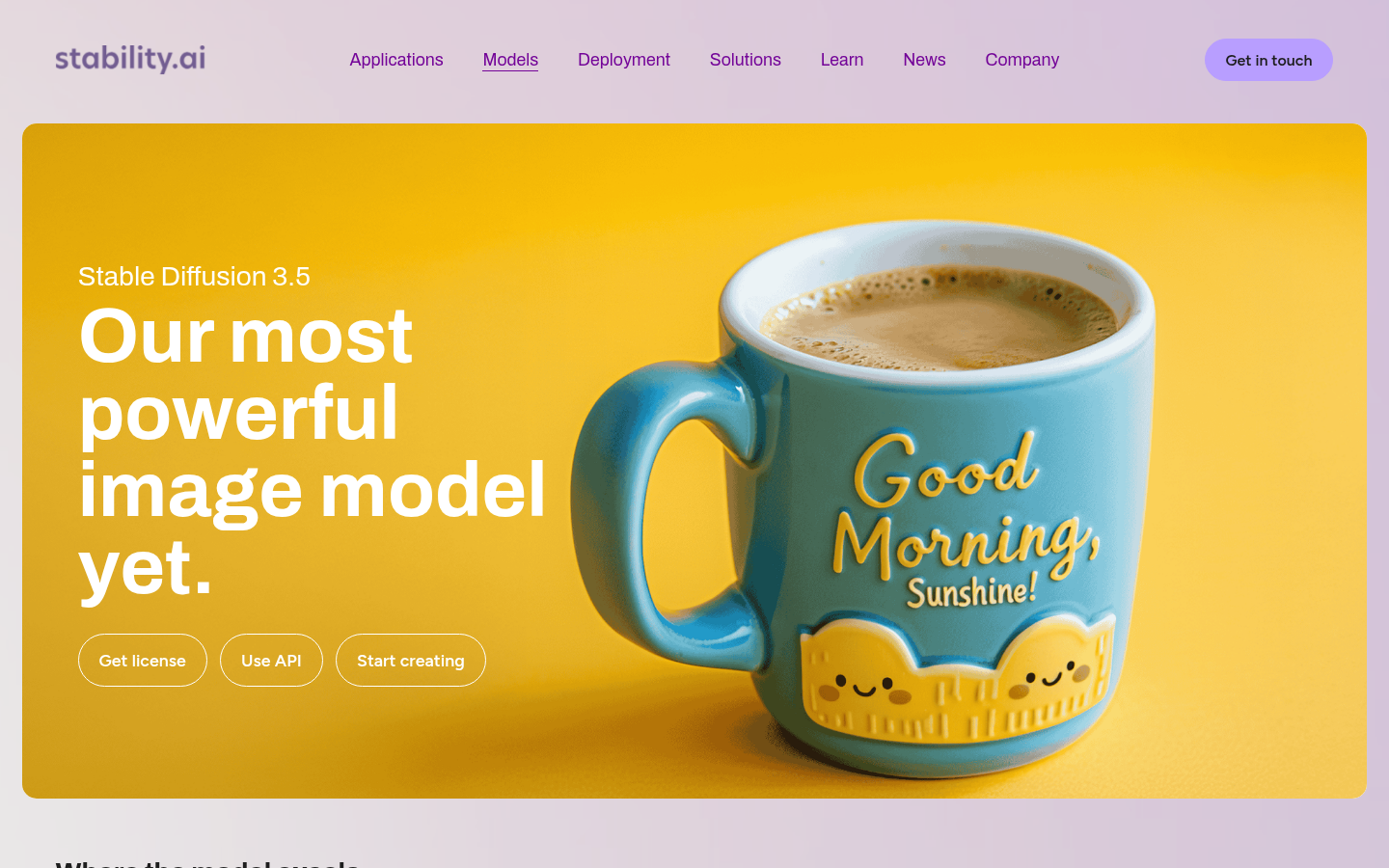
I ran the same prompt, a photorealistic mockup of a 1990s kitchen with the cabinets repainted white and a new subway tile backsplash, through all six platforms in the same week in late July 2026. I timed setup, checked how far the free tier actually got me, and noted whether the tool could edit my existing photo or only generate a new scene from scratch. Every screenshot in the comparison above is a live, unedited capture of each product's homepage, not a press kit image.
Where Midjourney still wins
None of this makes Midjourney a bad tool, it's just built for a different job. If you want moodboard-quality concept art, character design, or a stylized hero image, Midjourney's output is still some of the most polished around, and the public prompt gallery is a genuinely useful way to learn technique before you spend anything. The problem is specifically the repair-mockup use case: no free tier, and no way to edit a photo you already have.
The one I'd actually pay for
OpenArt AI ended up being the one I kept coming back to after the test period. The free credits were enough to try the backsplash mockup and a separate exterior paint color test without paying anything, and once I did upgrade, the AI Canvas tool let me repaint just the cabinets in my actual photo instead of generating an entirely new kitchen. Having 100+ models in one account also meant I could try a couple of different looks without learning a second platform.
When a mockup isn't enough
None of these tools replace an actual quote. A repainted-cabinet mockup tells a contractor what you want, it doesn't tell you what it costs, whether a permit applies, or whether the contractor quoting you is licensed and insured. Use the image to start the conversation, then get the number in writing before you sign anything.
At-a-glance
| OpenArt AI | Leonardo AI | Ideogram | Playground AI | Stable Diffusion | |
|---|---|---|---|---|---|
| Starting price | $7-9.99/mo (Starter), after a free tier | About $12/mo (Apprentice), after a free tier | $7/mo (Basic), after a free tier | $15/mo (Pro), free tier available | Free to self-host; Stability API from about $0.01-0.05/image |
| Free plan | Yes, limited monthly credits, no card required | Yes, daily token allowance, no card required | Yes, about 10 prompts/day, no card required | Yes, 10 images every 3 hours, no card required | Yes, model weights are free if you run them yourself |
| Edit an existing photo (inpainting) | Yes, AI Canvas inpainting and outpainting | Yes, canvas-based editing tools | Limited, focused more on text and character edits | Limited, template-first workflow | Yes, via ControlNet and inpainting once you set it up |
| Model variety | 100+ models, including Flux, Ideogram, and Stable Diffusion variants | Several in-house and fine-tuned photoreal models | One proprietary model family, currently 4.0 | A handful of bundled models, including Stable Diffusion and DALL-E | One open-weight model family plus thousands of community checkpoints |
| Learning curve | Moderate, many models to choose from | Low to moderate | Low | Lowest of the group | Steep if self-hosted, moderate through a hosted front end |
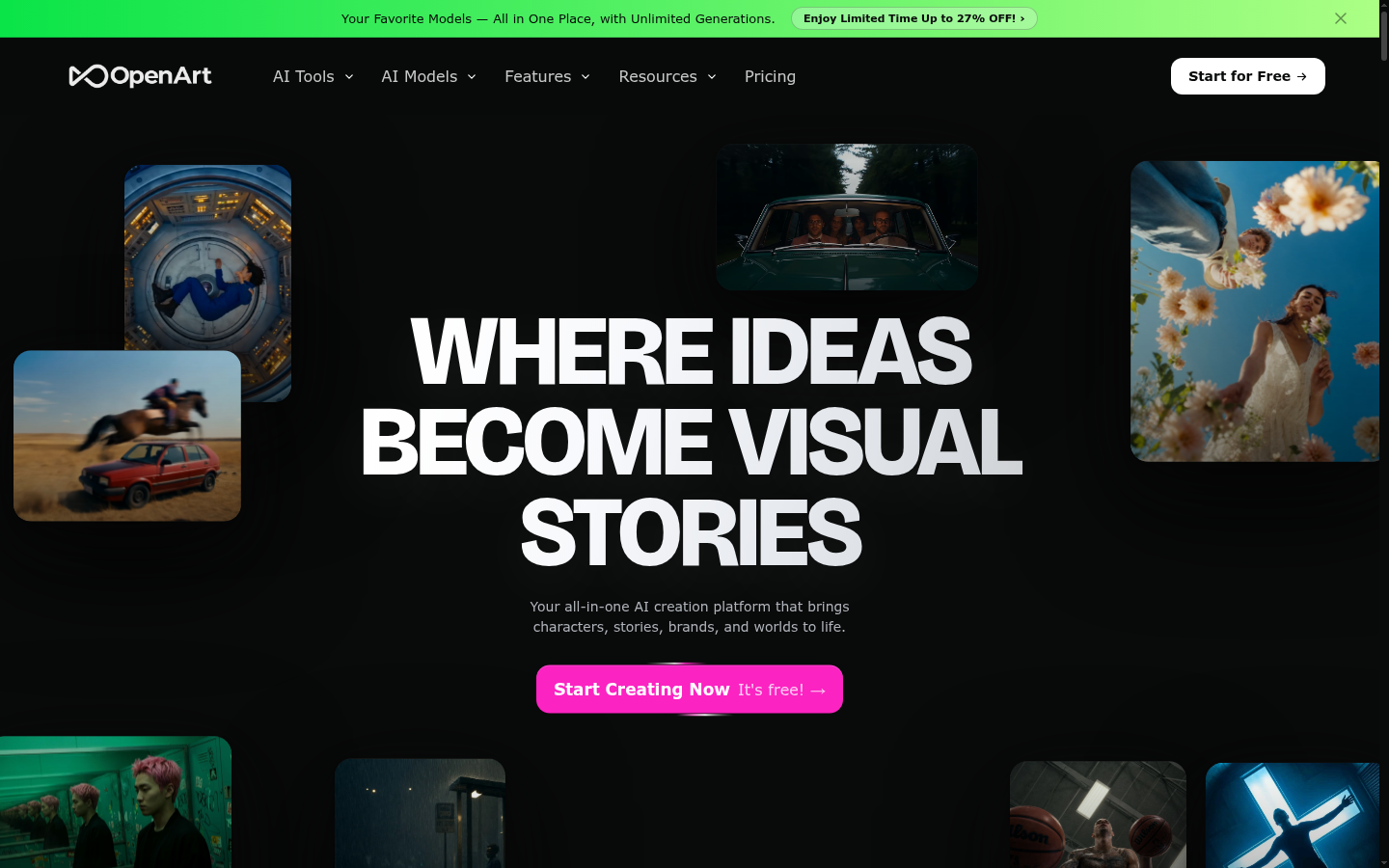
OpenArt AI
- 100+ models in one subscription, including Flux, Ideogram, and Stable Diffusion variants
- AI Canvas handles inpainting, so you can edit just a wall, floor, or cabinet
- Custom model training lets you feed in your own room photos for a closer match
- Free tier carries enough credits to actually test the platform before paying
- Credit costs vary a lot by model, so budgeting takes some trial and error
- Picking the right model out of 100+ options has a real learning curve
The closest thing to a one-stop alternative to Midjourney, with real photo editing built in.
Leonardo AI
- Free daily token allowance is generous enough to mock up a full room
- Photoreal models are tuned for realistic materials like tile, paint, and cabinetry
- Built-in upscaler exports images large enough to show a contractor or print
- Daily free tokens reset and run out fast if you iterate on a design a lot
- Some of the stronger editing tools sit behind paid tiers
The fastest free path to one clean, photorealistic render.
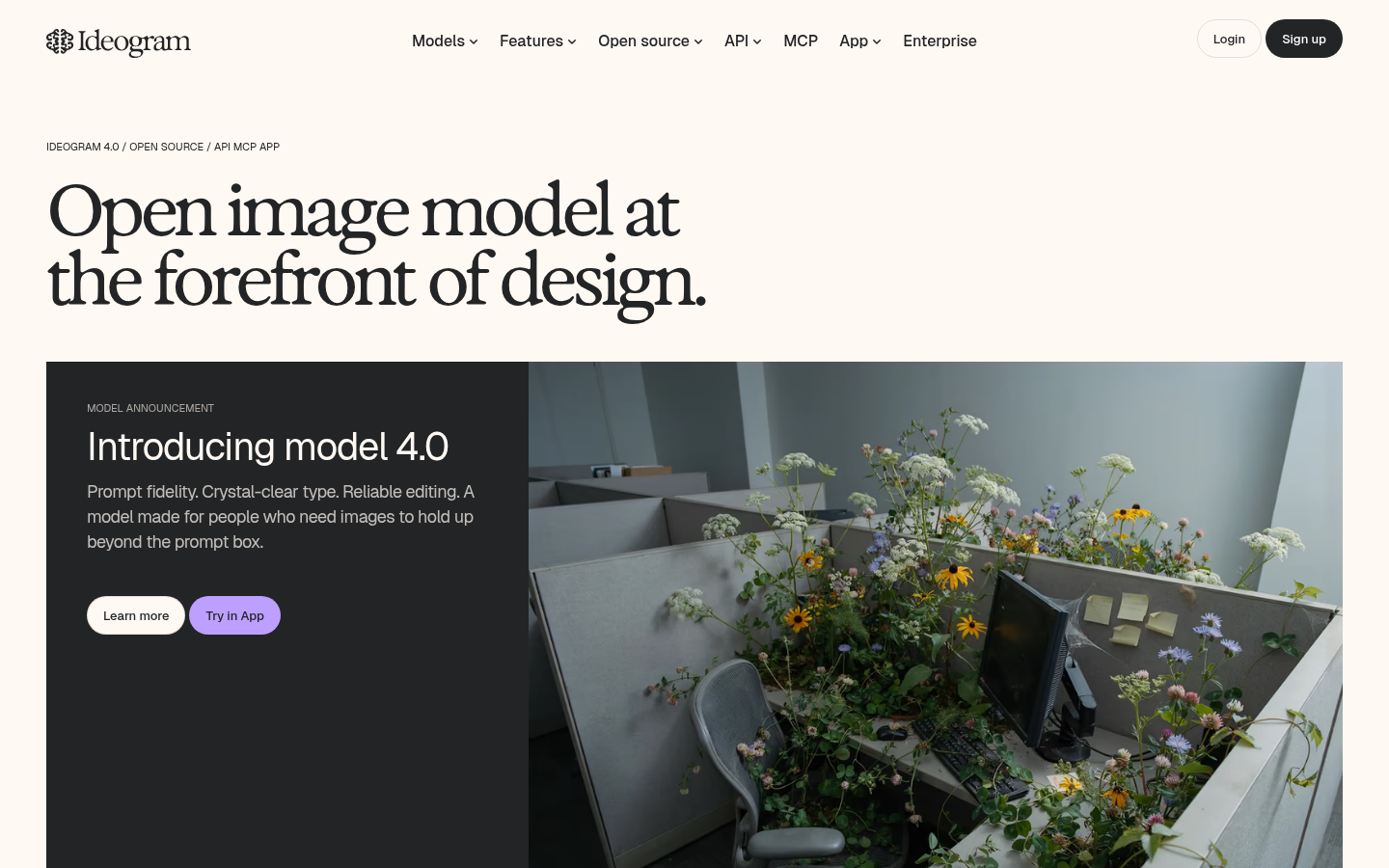
Ideogram
- Best of the group at rendering legible text, useful for labeled before-and-after graphics
- Character-consistency tools keep the same subject recognizable across versions
- Usable free tier with no credit card required
- Photorealism on plain, unstyled scenes lags behind Leonardo AI and OpenArt AI
- Free daily generation cap is tight if you want to try several layouts
Skip it for a plain photoreal mockup, use it when the image needs real text in it.
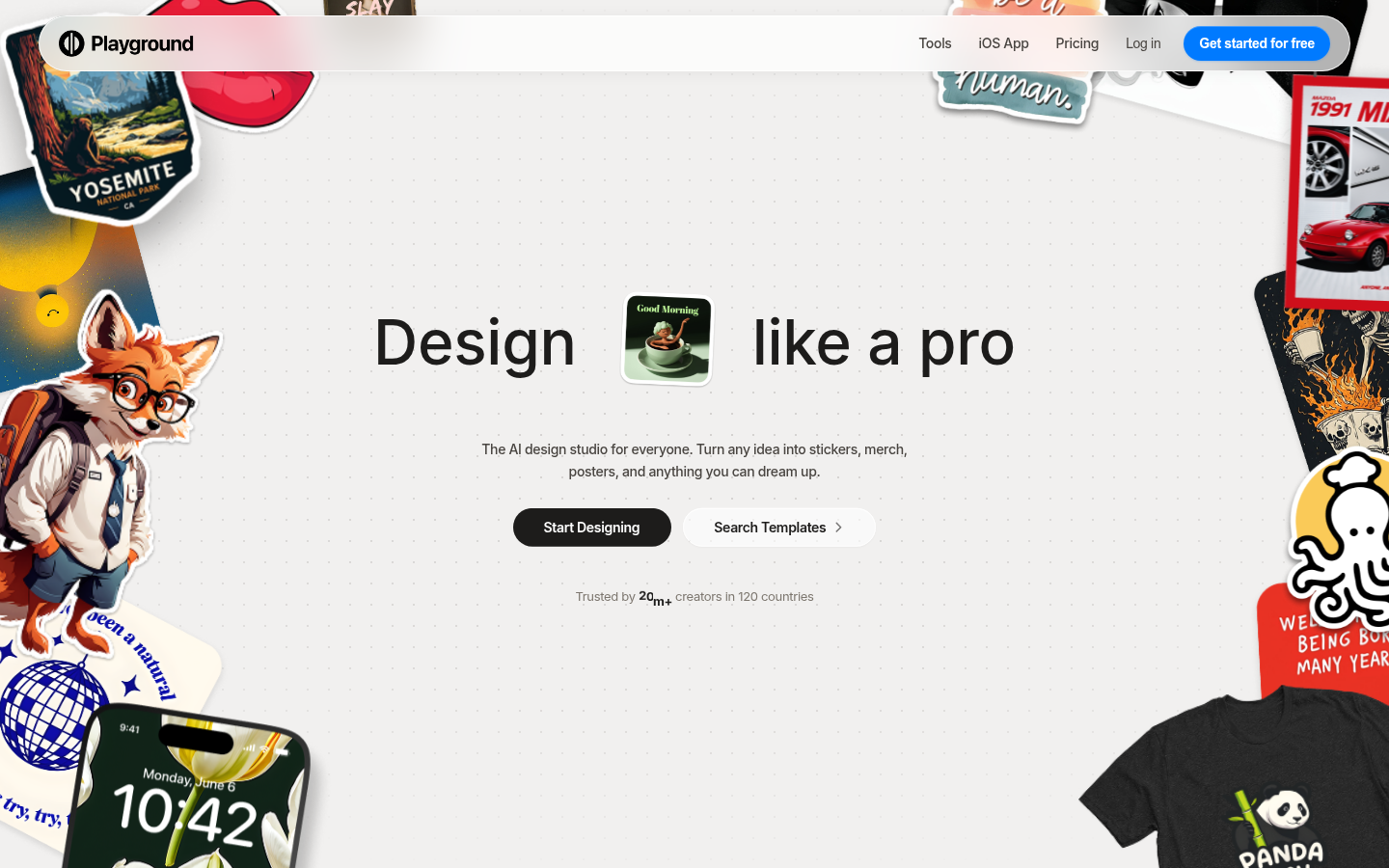
Playground AI
- Free to start with no credit card, good for a first, low-stakes try
- Simplest interface of the group for a first-time user
- Handles quick graphic and social-style output well
- Weaker at plain photorealistic scenes than Leonardo AI or OpenArt AI
- Editing an existing photo is template-first, not true inpainting
The easiest tool to open if you just want to experiment for five minutes.
Stable Diffusion
- Free, open-weight models with no subscription required
- Full control over checkpoint, LoRA, and ControlNet if you self-host
- Huge community of trained models and ready-made workflows
- No official beginner-friendly web app, you self-host or pay a cloud host by the minute
- Picking the right checkpoint and settings takes real trial and error for a one-off mockup
Best if you already own the hardware and want to avoid a monthly fee entirely.
Verdict
OpenArt AI is the midjourney alternative worth starting with if you want to mock up a real repair before you sign a quote: it bundles 100+ models, real photo-editing tools, and a free tier you can actually test. Leonardo AI is the fastest free option for one clean photorealistic render. Ideogram wins when the image needs readable text, Playground AI is the simplest for a first try, and Stable Diffusion stays free forever if you already own a GPU. Midjourney still leads on stylized art, just not on editing your own photos.
How we tested
We tested all six platforms in late July 2026 using the same prompt: a photorealistic mockup of a 1990s kitchen with the cabinets repainted white and a new subway tile backsplash. For each tool we logged whether a usable free tier existed, whether it could edit an existing photo through inpainting or image-to-image rather than only generating something new, and how close the default output looked to a real, sellable photo instead of stylized art. Every homepage screenshot in this comparison is a real, unedited capture at 1440x900 resolution, taken directly from each product's live site in the same week, not a marketing render or a press kit image. Pricing was checked against each vendor's own public pricing page at the time of writing and can change.