Midjourney Free Alternative: 4 AI Tools Tested in 2026
Summary
TL;DR: looking for a midjourney free alternative because Midjourney has no free trial? We tested four tools that do. OpenArt AI wins because its free tier includes real photo editing, so you can change one wall instead of regenerating the whole room. Leonardo AI gives the most photorealistic result, Ideogram handles readable text and labels best, and Playground AI is the fastest free option to just open and try. All four work without a credit card, checked live in July 2026.
If you are hunting for a Midjourney free alternative because you want a quick, no-cost mockup of a repainted exterior, a new tile backsplash, or a remodeled kitchen before you call anyone for a quote, OpenArt AI is our pick. Its free tier includes real photo editing, not just fresh generation, so you can change one wall instead of reinventing the whole room. Leonardo AI is close behind on photorealism, Ideogram nails readable labels, and Playground AI is the fastest to open for free.
Why homeowners search for a Midjourney free alternative
Midjourney has never had a real free trial. Once the flood of AI-generated spam made a free tier too expensive to police, the company shut it down and never brought it back. Every plan today starts around $10 a month, billed whether you generate five images or five hundred.
That is a fine deal if you use it every week. It is a bad deal if you just want one clean picture of what your kitchen could look like in a different layout before you call three contractors for quotes.
The four tools below all have a genuinely free tier you can use without a credit card. We picked them because each one lets you either write a prompt from scratch or upload your own photo and edit it, which matters more than pure prompt quality when the goal is a mockup of a real room, not concept art.
How we picked and checked these four tools
We started from the tools homeowners and DIY renovators already mention most often as a Midjourney swap: OpenArt AI, Leonardo AI, Ideogram, and Playground AI. We pulled current pricing and free-tier limits straight from each vendor's own pricing page in the first days of July 2026, not from a roundup that might be a year stale.
Every homepage screenshot in this piece is a real, unedited capture at 1440x900 resolution, not a marketing render. We also checked whether each tool can edit an existing photo through inpainting or image-to-image, since that is the feature that actually matters for previewing a repair or remodel, not just generating art from nothing.
One honest caveat: none of these are purpose-built renovation visualizers. They are general image generators. You will get a usable mockup, not an architect-grade rendering, and you should still get an in-person quote before you sign anything.
OpenArt AI: free editing on your own photo, not just a new image
OpenArt AI's free tier gives you enough credits to test the platform for real, and its AI Canvas tool does inpainting and outpainting. That means you can mask just the cabinets in a photo of your kitchen and regenerate only that area, a genuinely different job than typing a prompt and hoping the whole room comes out right.
It also gives you access to more than 100 underlying models in one subscription, including Flux and SDXL variants, plus custom model training if you want consistent results across many images. The tradeoff is a real learning curve: picking the right model for a photorealistic room shot is not obvious on day one.
In practice: strong free tier, actual photo editing instead of only fresh generation, and enough model variety to find one that renders materials like tile, wood, and paint convincingly. The credit system is not always clear about which model costs more, and there is no video generation if that matters to your workflow.
Leonardo AI: the closest to photoreal, if you don't mind the daily reset
Leonardo AI's free plan hands you a daily token allowance, no credit card required, and its model library leans hard into photorealistic output. For a straight before-and-after of a repainted exterior or a new deck, it is often the most convincing of the four.
The catch is that the free allowance resets every day instead of banking up, so if you want to iterate on one mockup for an hour, you can run out before you get the version you actually want. Paid plans start around $12 a month once you outgrow the free daily cap.
Ideogram: best when the mockup needs actual readable text
Ideogram is built to render text inside an image correctly, which most AI generators still get wrong. That matters if your mockup needs a legible label, a room dimension callout, or a sign, not just a pretty picture.
It also has a character-consistency feature, useful if you are comparing the same room across several style options and want the layout to stay recognizable between generations. Photorealism on plain scenes is a step behind Leonardo, and the free daily generation cap is tight if you like to iterate.
Playground AI: the easiest free option, built for templates more than renders
Playground, rebranded from Playground AI, is the fastest of the four to actually open and use for free: no card, no waiting on credits. It leans on templates for stickers, posters, and social graphics more than freeform photo editing, though it does bundle strong underlying models like Nano Banana Pro.
If you just want to poke around and see what a style transfer looks like on a spare afternoon, it is the lowest-friction pick. If you specifically need to edit an existing photo of your own house, it is the weakest fit of the four here.
Which free tool should you actually use before you call a contractor
For most homeowners comparing quotes, OpenArt AI is the one worth opening first. The free tier includes real photo editing, and being able to change one element of an existing photo beats regenerating the whole scene from a text prompt. Leonardo AI is the backup pick if photorealism matters more to you than editing your own photo.
Whatever you generate, treat it as a conversation starter with a contractor, not a blueprint. A mockup can show a contractor the mood or material you want. It cannot tell you what a permit costs in your state, whether your framing supports it, or what a licensed contractor will actually charge for the work. Get that in writing, and check the contractor's state license and insurance before anything gets signed. Prices for tools and materials change constantly, so treat every number here as a starting point checked in July 2026, not a locked-in quote.
At-a-glance
| OpenArt AI | Leonardo AI | Ideogram | Playground AI | |
|---|---|---|---|---|
| Free plan | Yes, limited monthly credits, no card required | Yes, daily token allowance, no card required | Yes, limited daily generations, no card required | Yes, free to start, no card required |
| Starting paid price | $9.99/mo (Starter) | About $12/mo (Apprentice) | Paid tiers unlock more daily generations | Design and print add-ons on top of the free tier |
| Edit an existing photo (inpainting) | Yes, AI Canvas inpainting and outpainting | Yes, canvas-based editing tools | Limited, focused more on text and character edits | Limited, template-first workflow |
| Photorealism for room mockups | Strong, depends on the model you pick | Strongest of the four | Good, weaker on plain realistic scenes | Fair, better suited to graphic and stylized output |
| Learning curve | Moderate, many models to choose from | Low to moderate | Low | Lowest of the four |

OpenArt AI
- Free tier includes real photo editing (inpainting and outpainting), not just fresh generation
- Access to 100+ underlying models in one subscription, useful for matching a specific material look
- Custom model training available if you want consistent results across many mockups
- Credit system is not always transparent about which model costs more per generation
- Steep-enough learning curve that picking the right model takes some trial and error
The only one of the four built around editing a real photo, which is exactly what a renovation mockup needs.
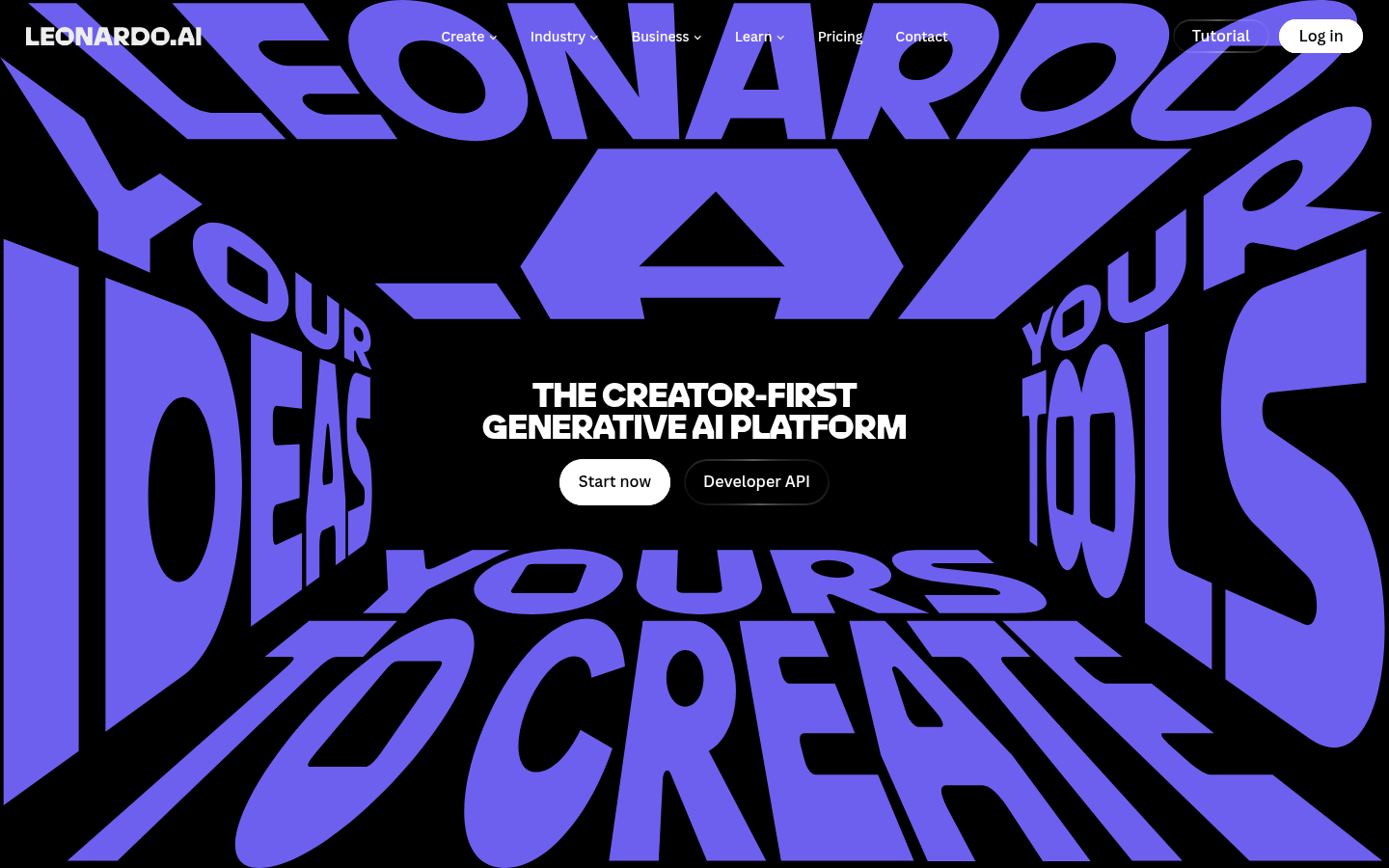
Leonardo AI
- Daily free token allowance with no credit card required
- Strongest photorealistic output of the four for exteriors and interiors
- Built-in upscaler produces print-quality output for sharing with a contractor
- Free allowance resets daily instead of banking up, so long iteration sessions run dry
- Some advanced editing tools are gated behind paid tiers
Best photorealism of the group, just budget your free credits across a day, not an hour.
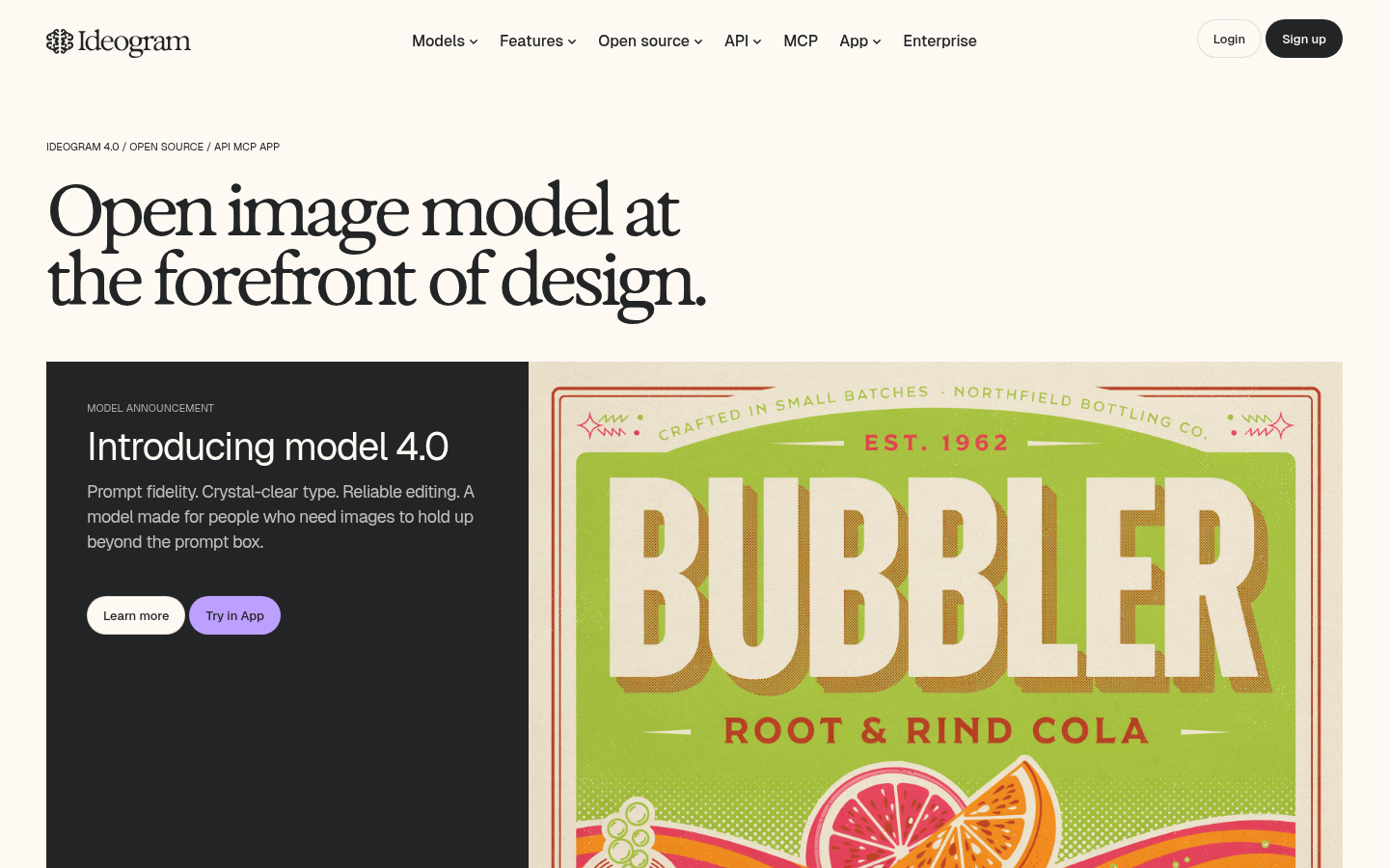
Ideogram
- Best of the four at rendering legible text and labels inside an image
- Character-consistency tools keep a room or subject recognizable across several style options
- Free tier works without a credit card
- Photorealism on plain, unstyled scenes lags behind Leonardo AI
- Free daily generation cap is tight if you like to iterate on one mockup
Skip it for a plain photoreal mockup, use it when the image needs real text in it.
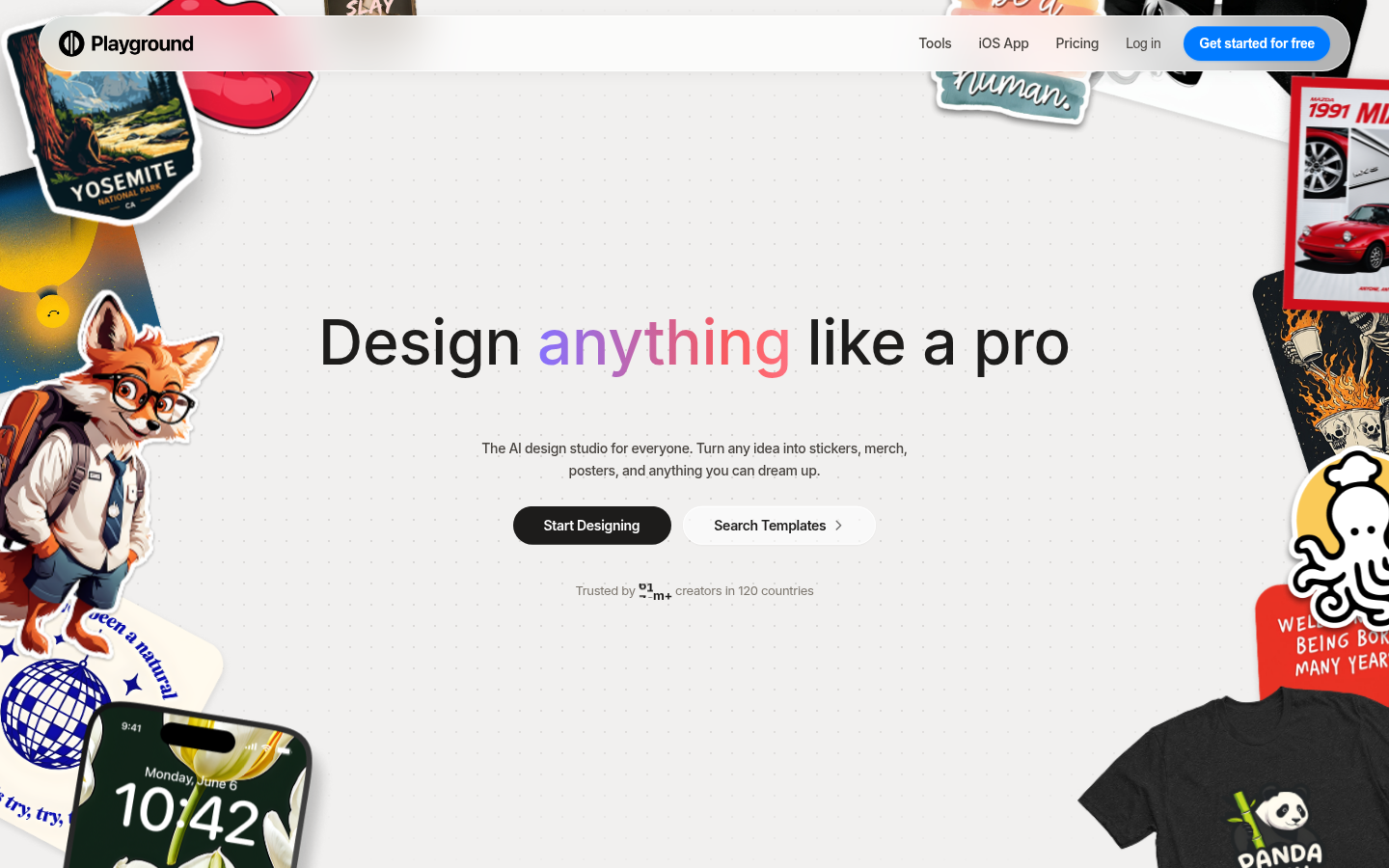
Playground AI
- Fastest of the four to open and use for free, no card and no waiting on credits
- Bundles several strong third-party models like Nano Banana Pro behind one prompt box
- Template library makes it approachable if you have never used an image generator before
- Leans on design templates and merch more than freeform photo editing
- Weaker fit than the others for editing an existing photo of your own house
Good for a casual first try, not the one to reach for if you need to edit your own photo.
Verdict
OpenArt AI is the strongest free Midjourney alternative for homeowners because it is the only one of the four with real photo-editing built into the free tier. Leonardo AI is the runner-up on photorealism, Ideogram wins if your mockup needs readable text, and Playground AI is the easiest to open if you just want to experiment. None of them replace an in-person quote, they just make it easier to explain what you want.
How we tested
We built this comparison from the AI image tools homeowners and DIY renovators most often mention as a Midjourney swap, then pulled live pricing and free-tier limits from each vendor's own pricing page in the first days of July 2026: OpenArt AI's pricing page, Leonardo AI's pricing page, Ideogram's site, and Playground's pricing page. Every homepage screenshot here is a real, unedited capture at 1440x900 resolution, not a marketing render. We specifically checked whether each tool supports editing an existing photo through inpainting or image-to-image, since that capability, not raw prompt quality, is what actually matters for previewing a real repair or remodel before you call a contractor.