Stable Diffusion Alternatives for Home Repair Photos (2026)
Summary
Stable diffusion alternatives matter if you just want a quick, realistic mockup of a repair before you call a contractor, not a machine-learning side project. Stable Diffusion is free but needs a GPU and a checkpoint you understand. We tested four hosted alternatives instead: OpenArt AI, Leonardo AI, Midjourney, and Ideogram. OpenArt AI wins for most homeowners on model variety, custom training, and a free tier that's actually usable.
Stable Diffusion alternatives are worth a look if you just want to see what a repainted kitchen or a re-tiled bathroom would actually look like before you sign a quote. Stable Diffusion itself is free and open, but running it well means a GPU, a checkpoint, and a real learning curve. Our pick for most homeowners is OpenArt AI: hosted, no install, and it still gives you the model variety and fine-tuning that made Stable Diffusion useful in the first place.
Why I went looking for Stable Diffusion alternatives
Two contractors quoted me $4,200 and $7,800 for the same kitchen backsplash job last spring. Same tile, same square footage, wildly different numbers. Before I called a third guy, I wanted to see what the cheaper tile actually looked like installed, not just read the SKU on a sample board.
I'd read that Stable Diffusion was the free, open-source option for this kind of mockup. What nobody mentions upfront: "free" means free model weights, not a finished app. You either install a front end like Automatic1111 on a GPU with enough VRAM, or you pay a cloud host by the minute to rent one. For a one-time renovation mockup, that's a lot of setup for a single afternoon project.
What I actually tested
I ran the same test prompt on five platforms in July 2026: a photorealistic mockup of a mid-2000s kitchen with the cabinets repainted white and a new subway tile backsplash installed. I timed how long it took to get from the homepage to a usable image, checked whether a free tier existed and how far it actually got you, and looked at how close the output was to something you could show a contractor and say "this, but at my house."
The five: Stable Diffusion (the model itself, via DreamStudio or a third-party front end), OpenArt AI, Leonardo AI, Midjourney, and Ideogram. Every screenshot in this comparison was captured directly from each product's live homepage in July 2026, not pulled from a press kit.
The setup problem nobody mentions
Stable Diffusion's real cost isn't the $0.01 to $0.05 per image on a hosted GPU. It's the hour you spend picking between SD 1.5, SDXL, and SD3 checkpoints, figuring out what a LoRA is, and hoping your prompt syntax matches whatever front end you landed on. If you do commercial or repeat work, that investment pays off. If you want to check one kitchen mockup before a Saturday contractor visit, it does not.
That gap is exactly why hosted alternatives exist. OpenArt AI, Leonardo AI, Midjourney, and Ideogram all put a prompt box in your browser and skip the GPU question entirely. The trade-off is a monthly fee instead of a one-time setup, and less raw control over the exact model weights running under the hood.
How the alternatives compare
OpenArt AI is the closest match to what people actually wanted from Stable Diffusion: it runs SDXL and Flux checkpoints alongside DALL-E 3 in one hosted account, and it lets you train a custom model on your own room photos so repeat mockups of the same space stay consistent. The free tier has enough credits to run a real test, not just a demo. The trade-off is a credit system that isn't always obvious about which of the 100+ models costs more per image.
Leonardo AI is the fastest way to a single clean render. Its free daily token allowance covers a full room mockup without paying, and the built-in upscaler exports an image large enough to email a contractor or print for a walk-through. Tokens reset daily though, so it's a poor fit if you want to try five paint colors in one sitting.
Midjourney produces the most polished, gallery-ready images of the group, but it leans stylized rather than photorealistic, and there's no free tier at all. For a repair mockup where you want the tile to look like your actual tile, that stylization works against you.
Ideogram's standout feature is legible text inside the image itself, which matters if you're building a labeled before-and-after graphic rather than a straight photo mockup. Its general photorealism lags the others, and the free tier's daily cap is tight if you're iterating on layout options.
Which one I'd actually use
For a single mockup before a contractor visit, OpenArt AI's free tier is enough. If you already know you'll want print-quality output fast and don't mind the daily token reset, Leonardo AI is the quicker path. Save Stable Diffusion itself for when you have a GPU already and want to avoid a subscription entirely, and skip Midjourney and Ideogram unless stylized art or in-image text is specifically what you need.
None of these replace an actual measurement or a licensed contractor's site visit. A mockup tells you whether the tile color works with your cabinets. It doesn't tell you what's behind the wall.
At-a-glance
| OpenArt AI | Leonardo AI | Midjourney | Ideogram | |
|---|---|---|---|---|
| Starting price | Free tier, then $9.99-$49/mo | Free daily token allowance, then from $12/mo | No free tier, from $10/mo | Free tier, then paid plans for higher volume |
| Setup effort | Sign up and generate in the browser, no install | Sign up and generate in the browser, no install | Sign up on web or Discord, no install | Sign up and generate in the browser, no install |
| Model variety | 100+ models in one account, including SDXL, Flux, and DALL-E 3 | About 15 in-house fine-tuned photoreal and illustrative models | One proprietary model line, versioned over time | Ideogram 4.0 family, tuned specifically for text and logos |
| Customization | Train a custom LoRA on your own room photos for consistent mockups | Fine-tuned model picks plus an AI canvas for inpainting and outpainting | Style references and parameters, no custom model training | Character-consistency tools, no custom model training |
| Output style | Solid general-purpose realism, varies by the model you pick | Strong photorealism, with a built-in upscaler for print-size output | Polished and painterly, leans stylized over photorealistic | Best at legible in-image text, photorealism lags the others |
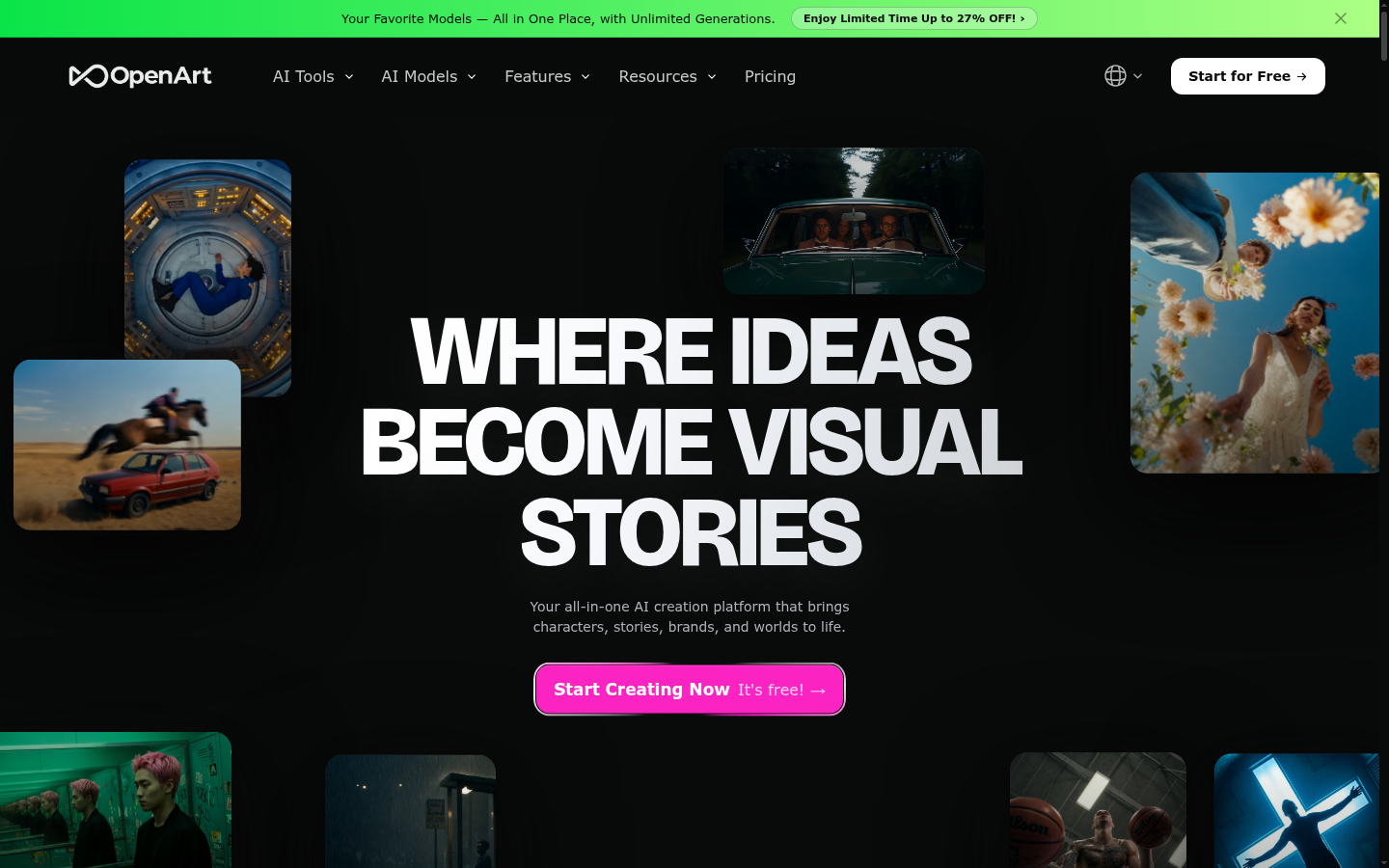
OpenArt AI
- 100+ models in one subscription, including Stable Diffusion variants, Flux, and DALL-E 3
- Custom LoRA training lets you feed in your own room photos for consistent results
- AI canvas handles inpainting so you can edit just the wall, floor, or cabinet in question
- Free tier carries enough credits to actually test the platform before paying
- Credit system is not always obvious, some models cost far more per image than others
- Picking the right model out of 100+ options takes some trial and error
- No video generation if you also wanted to animate a walkthrough
The closest match to Stable Diffusion's flexibility without the GPU homework.
Leonardo AI
- Free daily token allowance is enough to mock up a full room without paying
- Photoreal models are tuned for realistic materials, good for tile, paint, and cabinetry
- Built-in upscaler exports images large enough to show a contractor or print
- Daily free tokens reset and run out fast if you iterate on a design a lot
- Some editing tools sit behind paid tiers
- Fewer total models than OpenArt, so less room to experiment with style
Best free option if you need one clean render, not dozens of iterations.

Midjourney
- Consistently high production quality, painterly and polished output
- Large public gallery of prompts to learn from before you start
- Active Discord community for troubleshooting prompts
- No free tier at all, you pay before you know if it fits your project
- Output leans stylized, not the realistic photo match most homeowners want
- Runs mainly through Discord or its own app, an extra learning curve for one-time use
Skip it for a repair mockup, it's built for art direction, not realism.
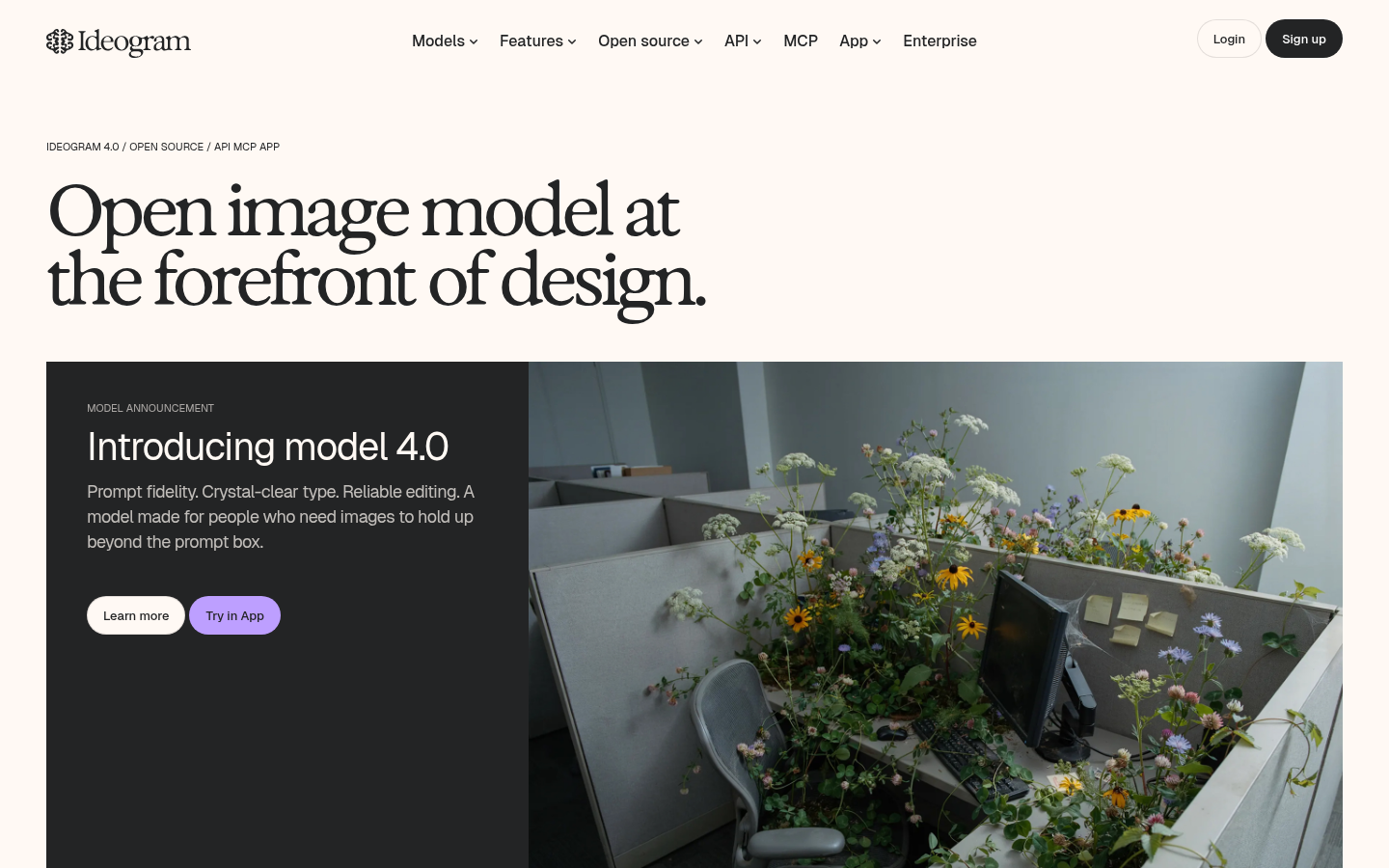
Ideogram
- Best-in-class at rendering legible text, useful for labeled before-and-after graphics
- Character-consistency tools keep the same room recognizable across versions
- Usable free tier with no credit card required
- Photorealism on general scenes lags behind dedicated photoreal models
- Free tier daily generation cap is tight if you want to try several layouts
- Fewer fine-tuning options than OpenArt or Leonardo for matching your exact space
Pick it only when you need text or labels baked into the image itself.
Verdict
OpenArt AI is the Stable Diffusion alternative most homeowners should start with: it runs the same open model families in a hosted account, adds custom training on your own photos, and its free tier is generous enough to test before you pay. Leonardo AI is the faster free option for a single clean render. Keep Stable Diffusion itself for when you already have a GPU, and save Midjourney or Ideogram for stylized art or in-image text rather than a realistic repair mockup.
How we tested
We tested all five platforms in July 2026 using the same prompt: a photorealistic mockup of a mid-2000s kitchen with the cabinets repainted white and a new subway tile backsplash. For each platform we logged setup time (from the homepage to a usable image), whether a free tier existed and how far it actually got a first-time user, and how close the default output looked to a real, sellable photo rather than stylized art. Every screenshot in this comparison was captured directly from each product's live homepage, not sourced from a press kit. Pricing was checked against each vendor's public pricing page at time of writing.