AI Art Styles for Wall Art: What's Actually Worth Printing
Summary
AI art styles range from oil painting to watercolor to flat graphic prints, but not all of them survive being printed large. Styles with strong contrast and simple composition, like oil painting, ink line art, and abstract expressionism, hold up best on canvas. Soft, detailed styles like watercolor and photorealistic portraits often blur once framed. Expect $31 to $95 total for a finished 16x20 piece, from generation through printing.
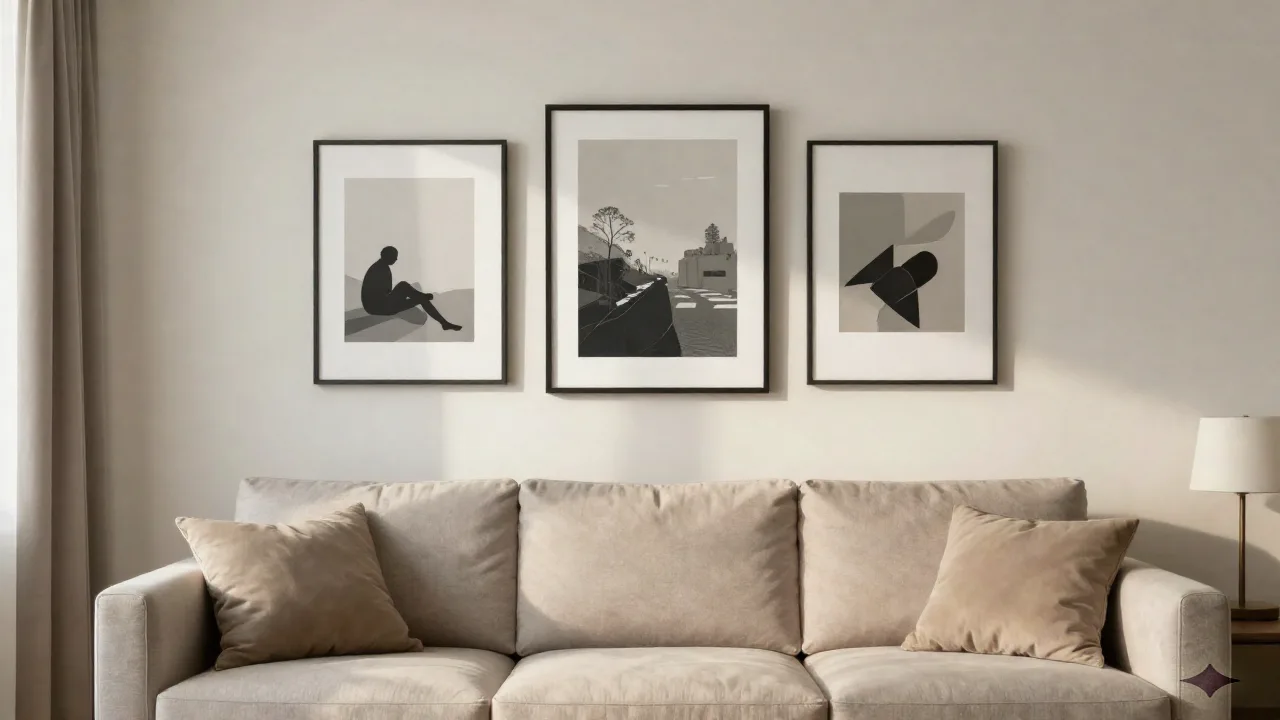
I burned $340 finding this out the hard way: not every AI art style that looks great on a phone screen survives being printed and framed. I ran six different AI art styles through the same photo of my backyard, ordered prints of all of them, and three came back looking like a screenshot blown up too far. The AI art styles that hold up on a real wall share three traits: strong contrast, a simple composition, and enough native resolution that the printer isn't guessing at the details. Here's what actually worked, what it cost, and what I'd skip next time.
What "AI Art Style" Actually Means Before You Order Anything
Two different things get called "AI art style," and mixing them up is how you end up disappointed.
The first is style transfer: you upload your own photo (a family portrait, your dog, your house) and the tool repaints it in a chosen style, like oil painting or watercolor, while keeping your actual subject recognizable.
The second is prompt-based generation: you type a description and the AI invents a brand-new image from scratch, no source photo involved. Midjourney and most "art style" prompt libraries work this way.
For wall art of a specific person, pet, or place, you need style transfer. For decorative pieces where any image will do, like abstract shapes, landscapes, or pattern work, prompt-based generation gives you more range.
Before you generate anything, it helps to actually look at named styles side by side instead of guessing from a text prompt. Midlibrary's style reference catalogs hundreds of named looks with sample images, which saved me from wasting credits on three styles that sounded good on paper and looked muddy in practice.
The AI Art Styles That Actually Hold Up on a Wall
I tested this the boring way: same source photo, six styles, same print size, same living room wall.
Oil painting and impasto styles held up best. The visible brushstroke texture the AI adds actually hides minor resolution issues. At 16x20 inches, mine looked convincing from four feet away, which is about as close as anyone stands to a living room piece.
Ink and line art styles held up almost as well. Clean black lines on a light background don't need much resolution to read sharp, and they print cheap because there's so little ink coverage.
Flat graphic or poster styles were a mixed bag. Bold color blocks print beautifully. Anything with a gradient or soft shadow showed banding once it hit canvas.
Watercolor styles were the biggest letdown. The soft edges AI generators produce as "watercolor" often read as blur once printed larger than 11x14. It looks like a wet phone screen, not a painting.
Photorealistic portrait styles need real resolution or they fall apart. If the source image or the AI output is under 2 megapixels, skip printing it larger than a nightstand frame.
Anime and manga styles print fine but read as flat. Clean lines help, but the lack of texture makes them look more like a poster than art, which some people want and some don't.
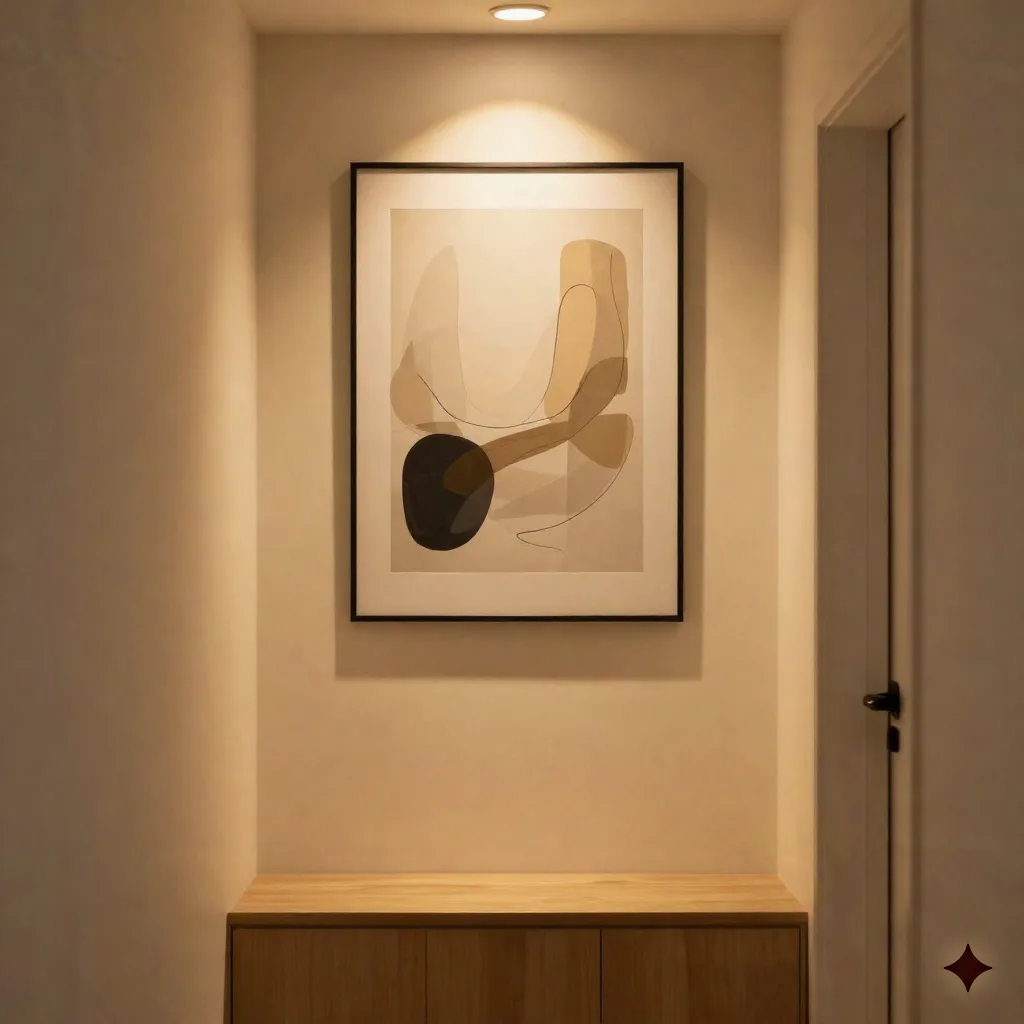
Abstract expressionist and paint-splatter styles were the surprise winner for large pieces. Nobody has a reference point for what the "correct" version looks like, so minor resolution softness just reads as intentional texture instead of a mistake. If you want one big statement piece over a sofa, this is the safest style to size up.
A tool like this is worth having in your back pocket for testing styles before you commit to a print:
OpenArt AI's free tier is generous enough to run the same photo through eight or ten styles before you spend a dollar on printing, which is exactly how I'd recommend testing this yourself.
What It Actually Costs: Generation, Printing, and Framing
Here's the real math, not the marketing math.
AI generation, free tier: $0, but usually limited resolution and a watermark on some tools
AI generation, paid, one style: $5-15 for a full-resolution output with no watermark
12x16 canvas print: $23, printed and stretched, no frame needed
16x20 canvas print: $31, printed and stretched, no frame needed
24x36 canvas print: $52, printed and stretched, no frame needed
Floating outer frame, optional: $20-60 for the gallery look
Real-world total for a 16x20 finished piece: somewhere between $31 (free-tier generation, no frame) and $95 (paid generation, XXL frame). CanvasDiscount's factory pricing is a reasonable benchmark since their sizes and prices are published outright instead of hidden behind a discount banner that resets the moment you leave the page.
Compare that to a commissioned painting from an actual artist, which typically runs $300-1,500 for a comparable size depending on where you live and who you hire. The AI route is not a replacement for supporting an illustrator you love. It's a replacement for the generic "abstract canvas #4" that shows up in big-box home decor aisles for $80 and looks like it in every other living room on the block.
Resolution Rules Nobody Tells You Before You Order a Canvas
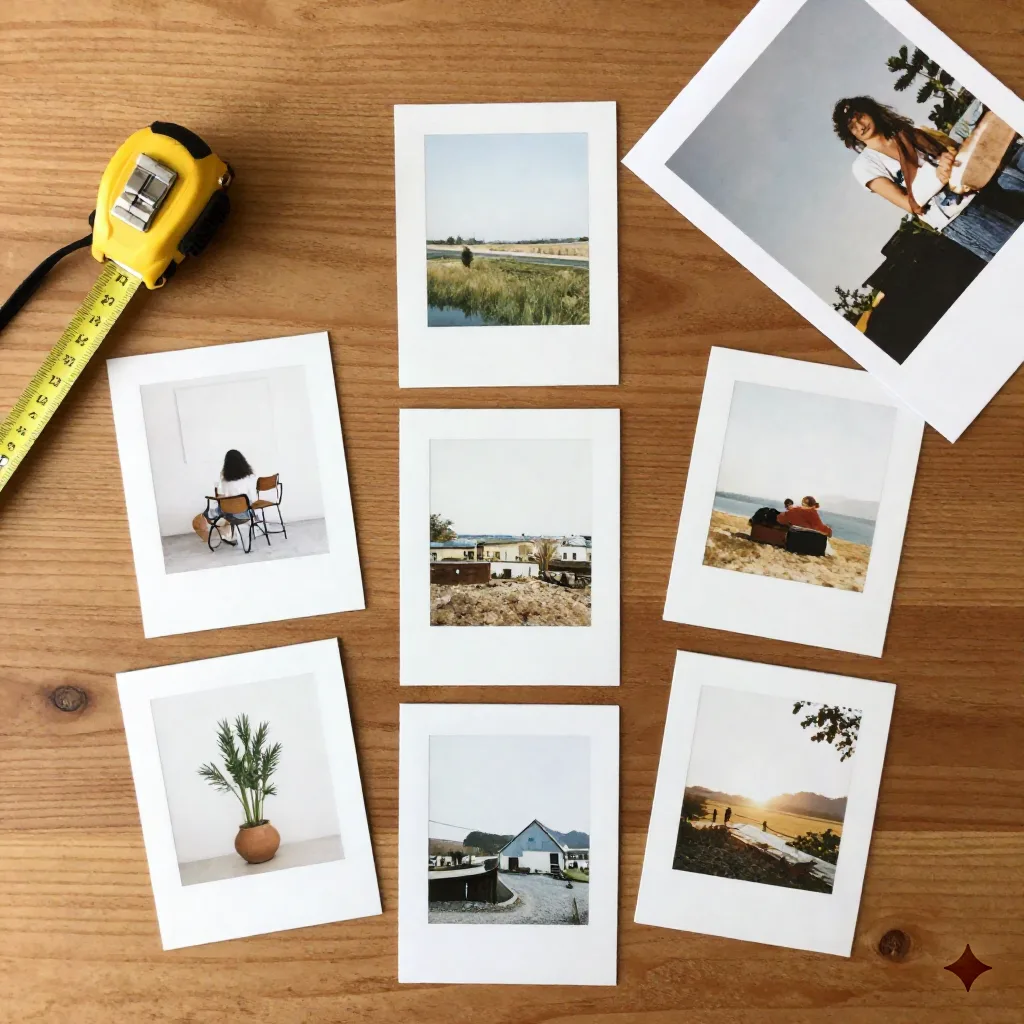
Print shops want 150 DPI minimum, 300 DPI if you want it to hold up to close inspection. That math matters more than any style choice.
For a 16x20 canvas at 150 DPI, you need at least 2400x3000 pixels in your final file. Most free-tier AI generators cap out around 1024x1024, which is fine for an 8x8 or a 10x10, and will look soft the moment you order anything bigger.
Here's the same math for a few other common sizes, so you're not doing it in your head at checkout:
8x8: 1200x1200 minimum (150 DPI), 2400x2400 comfortable (300 DPI)
11x14: 1650x2100 minimum, 3300x4200 comfortable
16x20: 2400x3000 minimum, 4800x6000 comfortable
24x36: 3600x5400 minimum, 7200x10800 comfortable
Notice that jump for a 24x36. That's why a poster-sized piece almost always needs a paid generation tier, or an upscaling pass, even if the free tier looked perfectly sharp on your laptop.
Two workarounds actually work. First, generate at the highest resolution setting your tool offers, even on the free tier, before you start comparing styles. Second, use a dedicated upscaler rather than just stretching the file in your printing software, since stretching adds pixels without adding detail.
Skywork is worth a look if you're already juggling five different apps to generate, edit, and upscale one image. It keeps that whole workflow in one place instead of exporting and re-importing between tools.
Red flag: if a generator hands you a 512x512 file and calls it "print-ready" for a 24x36 canvas, that's a five-times resolution mismatch you will absolutely see once it's on the wall.
Free vs Paid Tools: Where the Line Actually Matters
Free tiers are genuinely fine for deciding which style you like. They are not fine for the final file you send to print.
OpenArt AI's paid plans start around $9.99 a month for the Starter tier and run up to $49 a month for Unlimited, which unlocks higher-resolution output and removes the credit ceiling that free accounts hit fast. You do not need the top tier for a single print. One month of the cheapest paid plan, used to generate and download a full-resolution file, then canceled, costs less than a single frame.
Higgsfield is worth checking if you want more control over composition before you commit credits to a style, since it lets you iterate on framing and camera angle rather than re-rolling the whole image from scratch.
The line that actually matters isn't free versus paid. It's whether the tool gives you the pixel dimensions you need for your print size before you pay for anything.
Red Flags: When a Style Won't Survive Being Printed Large
A few signs a style is going to disappoint you once it's off the screen:
The preview only shows a small thumbnail and the tool won't tell you the actual output resolution. Ask, or test with a free credit before committing.
The style relies on fine detail in a busy background. Foliage, crowds, and fabric texture are the first things to smear at print size.
You're generating a specific person's face for a large print. Even good AI models occasionally warp facial features in ways that read as a minor flaw on a phone and a real problem at 24 inches wide.
The site's example images are all shown small. If nobody on the marketing page shows a zoomed-in crop, assume it doesn't hold up to one.
Do This Yourself, or Pay Someone to Do It Right?
If you're comfortable comparing a few styles and checking pixel dimensions before you print, doing it yourself takes maybe 45 minutes and costs $30-60 for a finished 16x20.
If you'd rather skip the trial and error, plenty of print shops and Etsy sellers now offer "AI portrait" or "AI pet portrait" services where they run the generation and resolution-checking for you, usually for $40-90 including the print. You're paying for someone else's tested workflow, not the printing itself, which costs about the same either way.
One thing worth knowing before you go the DIY route with a photo of a specific person or a copyrighted character: most AI generation tools' terms of service give you rights to use the output personally, but reselling AI art that resembles a living artist's identifiable style or trademarked characters can run into copyright gray areas. For a piece going on your own wall, this rarely matters. For anything you plan to sell, read the tool's commercial use terms first.
What We'd Actually Hang on Our Own Walls
Oil painting and ink line art styles, printed no smaller than 16x20, from a paid generation tier just for the resolution boost, on a plain canvas without the outer frame markup.
Skip watercolor styles above 11x14. Skip any free-tier file you haven't checked the pixel dimensions on. And skip paying $200 or more for a "premium AI art print" service when the actual generation and printing underneath costs a third of that if you do it yourself. The style matters less than the resolution. Get that right first, then argue about which brushstroke looks best over the couch.