AI Generated Landscape Design: What It Really Costs
Summary
AI generated landscape design tools turn a photo of your yard into a rendered mockup of what it could look like, for $0 to $99 a month. That number is not what the project costs. This guide breaks down what AI landscape renders actually cost versus what it takes to build them, which tools are worth trying, and how to use a mockup to get an honest contractor quote instead of a padded one.
What Does an AI Generated Landscape Design Actually Cost?
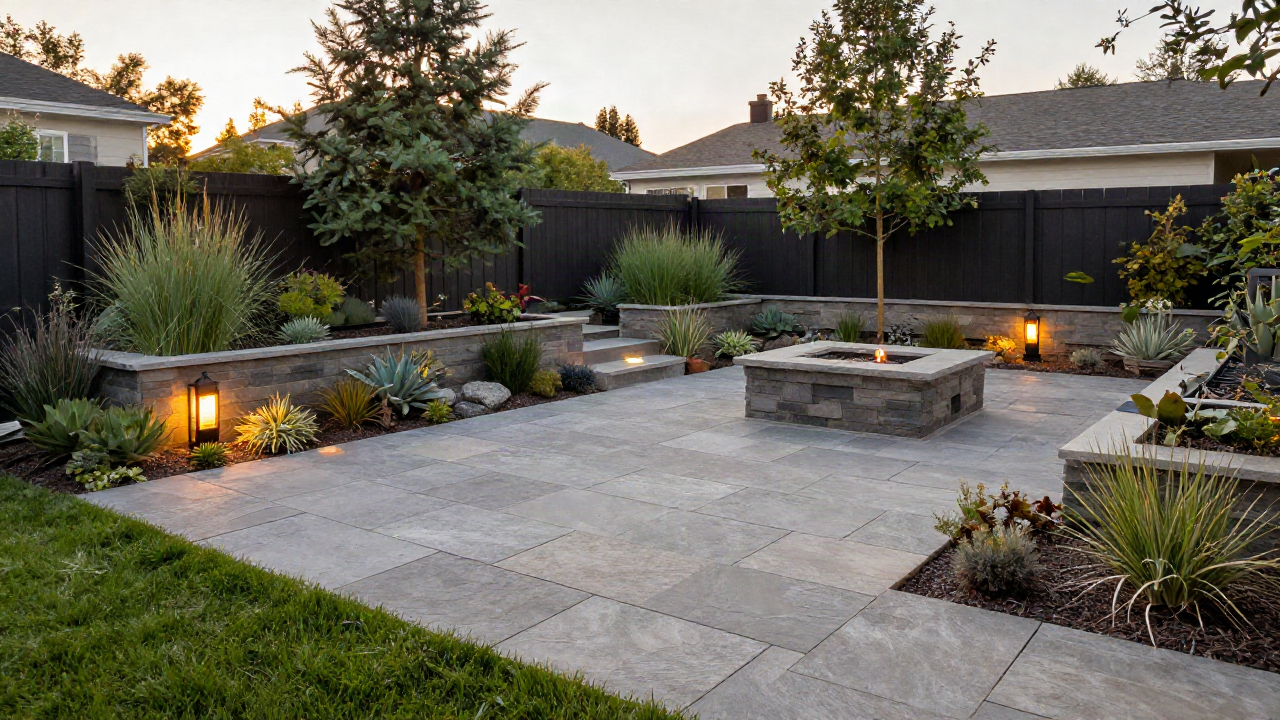
An AI generated landscape design costs $0 to $99 a month for the software, but that number has nothing to do with what it costs to build. Apps like Remodel AI, DreamzAR, and LandscapioAI turn a photo of your yard into a rendered mockup in under a minute. The rendering is cheap. The pavers, plants, grading, and labor to make it real average $8,500 nationally, and can run $50,000 for a full backyard overhaul.
I made this mistake myself two summers ago. I ran three versions of our backyard through an AI garden app, fell in love with a stone patio and fire pit layout, and walked into my first contractor meeting thinking I was maybe $4,000 away from that picture. I was closer to $19,000 away.
That gap is not the app's fault. It is what happens when a $9-a-month tool and a $19,000 construction project get compared like they're the same kind of expense.
Most of these apps work the same basic way: they run your photo through an image-to-image model that keeps the general shape of your yard (fence line, house wall, existing trees) and swaps in new surfaces, plants, and hardscape based on a style prompt. It is fast because it is not solving for drainage, soil grading, sun exposure, or whether that stone patio actually fits your property line. A licensed designer solves for those. The app doesn't, and it isn't pretending to.
How Much Do AI Landscape Design Apps Cost to Use?
Here's what it should cost you to generate the mockup itself, before a single shovel goes in the ground.
Free tier apps (LandscapioAI, some Home Outside plans): $0. Limited generations, watermarked or low-res exports.
Budget subscription (iScape, Gardenly): $4.50 to $10/month. Unlimited-ish designs, style presets, PNG/JPG export.
Mid-tier apps (Remodel AI, Yard AI): $29 to $49/month. Photo-to-photo transformation, more design styles, faster renders.
General AI image tools (Midjourney, Leonardo AI): $10 to $49/month. Not built for yards specifically, but usable with the right prompt.
None of these prices include a designer looking at your actual soil, drainage, sun exposure, or property lines. A real landscape design plan from a licensed designer runs $1,000 to $5,000 on its own, separate from installation. The app fee and the design fee are two different line items, and homeowners regularly confuse them.
The Real Gap: Your Rendering vs What It Costs to Build
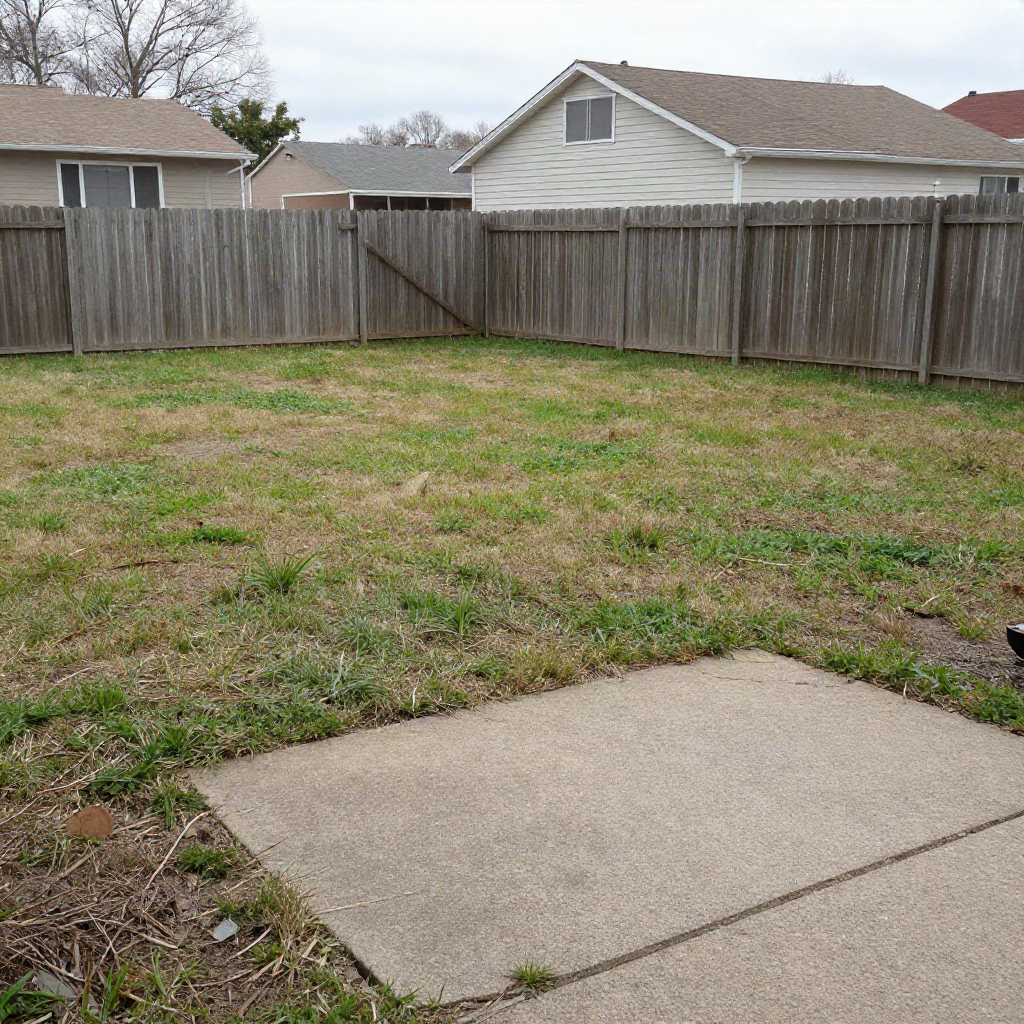
This is the number that actually matters. National landscaping projects average $8,500, with most homeowners landing somewhere between $4,500 and $22,500 depending on scope, according to national landscaping cost data.
Break it down by project type and the AI render starts looking very different from the invoice:
Front yard refresh (mulch, shrubs, edging): $1,500 to $5,000. Driven mostly by plant size and number of beds.
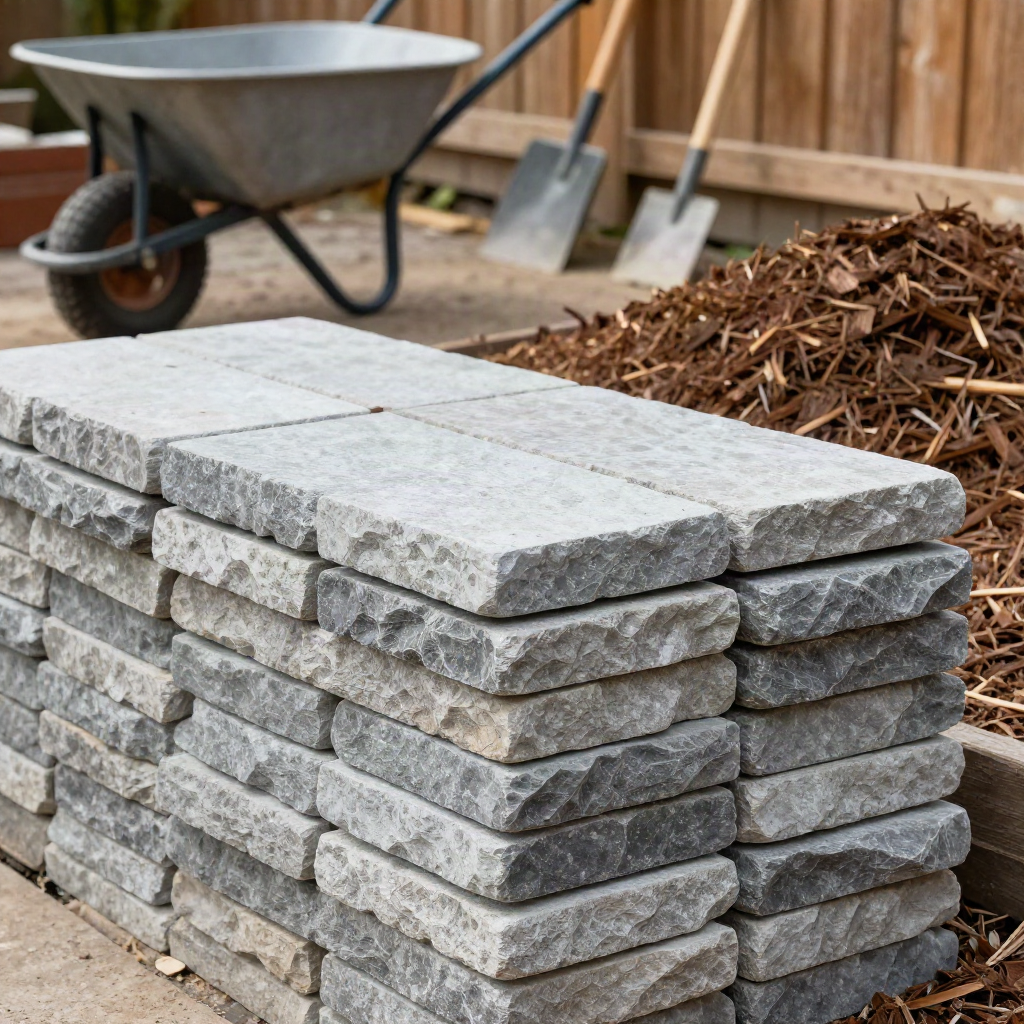
Paver patio, 400 sq ft: $8,500 to $27,000. Driven by material (concrete vs natural stone) and region.
Full backyard renovation: $15,000 to $50,000. Driven by grading, drainage, hardscape, and irrigation.
Lawn-only re-sod or reseed: $1,000 to $3,500. Driven by yard size and sod vs seed.
Labor alone runs $50 to $120 an hour depending on your metro, per Thumbtack's contractor pricing data, and typically makes up 40% to 65% of the total bill. That same 400 square foot patio that costs $5,500 in rural Mississippi can run $11,400 in coastal California. Your AI app does not know what state you live in. Your contractor's quote absolutely reflects it.
Prices vary by location, material quality, and contractor. Use these ranges as a starting point, not a binding estimate.
Does It Matter What Time of Year You Get the Quote?
Yes, and this is the one seasonality factor most AI landscape apps never mention because the software doesn't care what month it is. Spring and early summer is when every homeowner in your zip code is calling the same handful of licensed landscapers, which pushes quotes up 15% to 20% compared to a fall or winter estimate.
If your AI render has you excited to start in April, get the quote in February instead. You'll get more contractor availability, more attention on the estimate itself, and often a better price for the exact same design.
Which AI Tool Should You Use to Mock Up Your Yard?
If you don't want to pay for a purpose-built landscape app, general AI image tools can do a rough version of the same job, image in, image out. They were not built for yards, so treat the result as a mood board, not a blueprint.
Leonardo AI's image-to-image mode is the closest fit here. Upload a photo of your yard, describe the style you want (Mediterranean patio, modern xeriscape, cottage garden), and it holds onto your yard's actual shape better than a pure text prompt would.
Playground is the one to try first if you're not ready to pay for anything. It bundles a few different image models behind one free prompt box, which matters because some models handle outdoor scenes better than others.
Midjourney makes the prettiest pictures of the bunch, but its stylized rendering tends to invent landscaping features (raised beds, water features) that were never in your yard. Good for inspiration, bad for anything you're about to hand a contractor.
Ideogram is worth a look if you want to add a labeled zone plan (patio here, garden bed there) on top of a render, since it's built to render legible text inside an image better than the others.
How to Use an AI Render to Get an Honest Contractor Quote
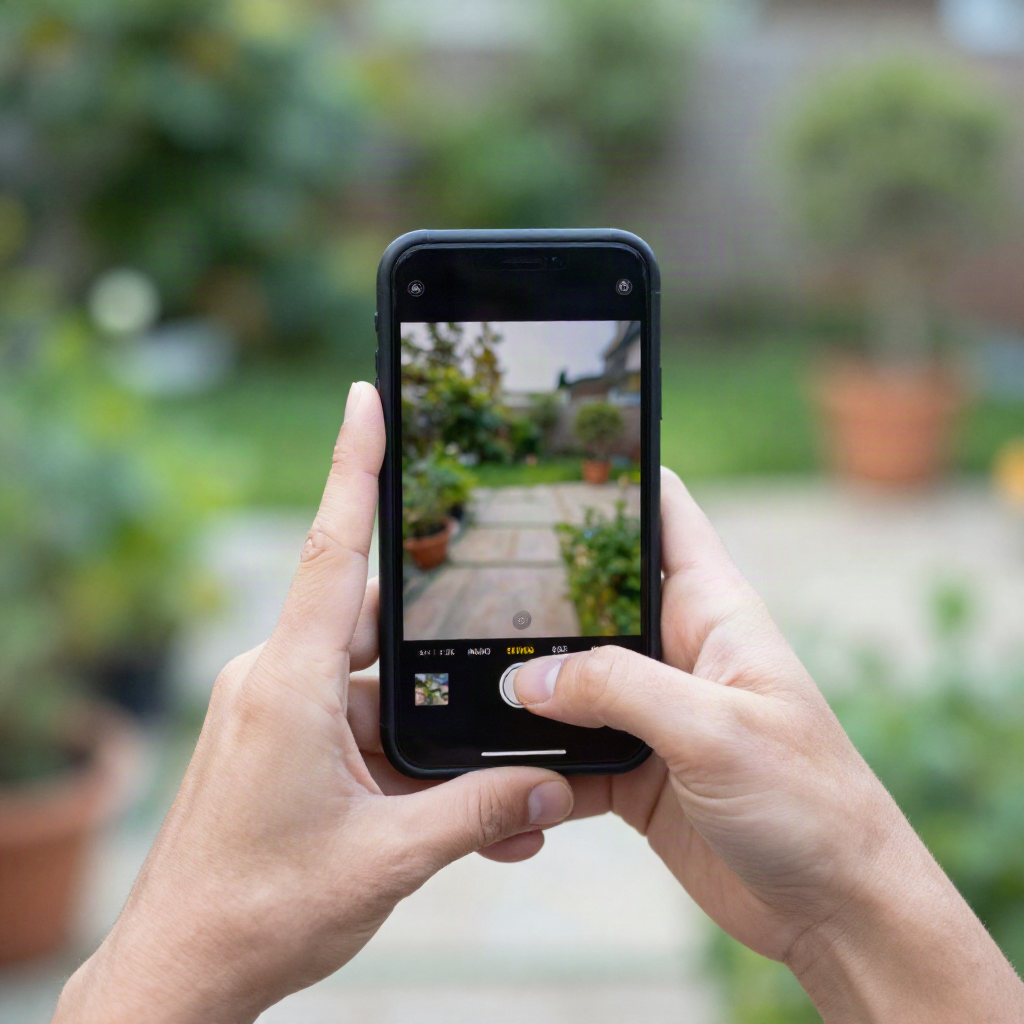
Here's what it should look like when you use the mockup right. Bring the render to the first walkthrough, not as a demand, but as a translation tool for what you mean by "something like a Mediterranean patio."
A few rules that kept my own project quotes honest:
Show the render, then ask the contractor to price the closest real materials to it, not the exact render. AI apps invent stone patterns and plant varieties that don't exist at a real supply yard.
Ask for a materials list separate from labor. If a contractor won't break that out, that's your first red flag, not your last.
Get two more quotes. The national average of $8,500 means almost nothing for your specific yard; the only number that matters is what three licensed contractors in your zip code actually quote.
Confirm whether the quote includes a building permit if you're adding a retaining wall, major grading, or drainage work. Permit costs vary by city and are easy for a shady quote to quietly skip.
Ask what the workmanship warranty covers, and for how long. Materials warranties (the pavers, the plants) come from the manufacturer, but labor warranties are on the contractor, and a company that won't put a number of months on it is telling you something.
Confirm the contractor is licensed and insured in your state before anyone touches your yard, not after the deposit is paid. This one sounds obvious and homeowners skip it constantly when they're excited about a design.
Red Flags: When a Contractor's Fancy Rendering Is a Sales Trick
Some contractors have started generating their own AI landscape renders during the sales pitch, and I think homeowners should be more suspicious of this, not less. A polished render creates a feeling of momentum that a plain price sheet doesn't.
Red flag: if a contractor's quote leans harder on the pretty picture than on a materials and labor breakdown, walk away. The render costs them nothing to produce. It should not be doing the job of justifying your price.
Red flag: if the quote changes materially after you've already gotten emotionally attached to a specific AI-generated look, that's a bait-and-switch pattern regardless of how good the software is. This shows up a lot with storm damage and insurance-adjacent landscaping work, where urgency gets used against you.
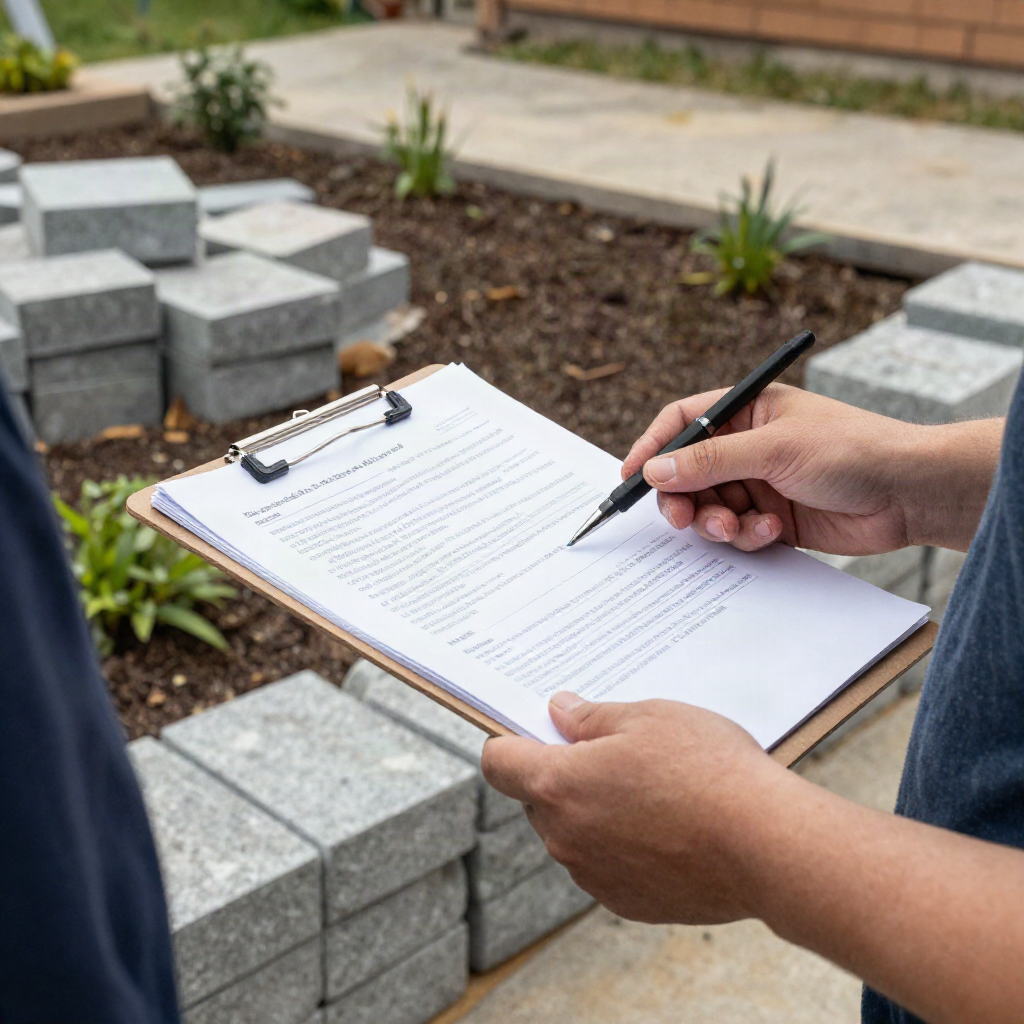
A real landscaping company's estimate should list quantities (how many square feet of pavers, how many plants, what size), not just a lifestyle image and a total.
I've now seen this play out with two different neighbors on my street: one contractor showed up with a tablet full of AI renders and a single lump-sum number, no line items. The other brought a plain paper quote with quantities, unit prices, and a permit line, and it ended up $3,000 cheaper for a nearly identical project. The nice-looking pitch and the honest one are not always the same contractor.
Can You DIY the AI Design Yourself?
Some of it, yes. Mulch beds, small paver walkways under 100 square feet, and basic planting are within reach for most reasonably handy homeowners, and the AI render is genuinely useful here as a shopping list generator.
Grading, drainage, retaining walls over a couple feet, and anything touching your irrigation or electrical lines is where I'd stop. I tried to save money grading a section of our yard myself in 2024 and ended up paying a contractor $1,800 to fix water pooling against our foundation, on top of what I'd already spent on materials. DIY only saves money when the mistake doesn't cost more than the labor would have.
Is an AI Generated Landscape Render Worth It Before You Call a Contractor?
Yes, for about ten minutes of your time and $0 to $29. Not because the picture is accurate, but because it forces you to describe what you want in a way three different contractors can price the same way.
What it is not worth is treating the render like a budget. If your AI app shows you a $9-a-month backyard, and a licensed contractor quotes you $22,000 for something close to it, that's not a rip-off. That's the actual cost of stone, plants, drainage, and skilled labor showing up where a rendering never had to account for any of it.