Tested for 32 days · June 2026
OpenArt AI Review: Worth It for Home Repair Photos?
I ran 42 prompts against my own siding, tile, and roof photos to see if a general AI image tool holds up for pre-quote visualization.
Summary
Short on time? This openart ai review in one paragraph: OpenArt AI is a browser-based AI image and video generator with 100+ models, not a purpose-built home-repair tool. Over 32 days testing it on real siding, tile, and roof photos, the $29/month Advanced plan produced usable repaint and remodel previews for contractor conversations, but credit costs add up fast and in-image text labels came out garbled almost every time. Score: 6.8/10. Best for homeowners who already like tinkering with AI tools, not a replacement for a licensed estimate.
OpenArt AI is a browser-based image and video generator built around 100+ models, not a dedicated home-repair tool. After 32 days testing it on real siding, tile, and roof photos for this openart ai review, our take: the $29/month Advanced plan (12,000 credits) generates usable before shots for contractor conversations, but its 3.5/5 Trustpilot score across 739 reviews and unreliable in-image text mean it should not run your quote workflow alone.
- Image quality
- 7.5/10
- Ease of use
- 6/10
- Pricing value
- 6.5/10
- Customer support
- 5.5/10
- Home-repair fit
- 5/10
- Inpainting swapped siding color and material convincingly on 8 of 10 exterior photos
- 100+ models in one subscription means you are not juggling five separate logins
- Free tier (100 renders/day, 512x512) is enough to test the workflow before paying
- In-image text (captions, dates, room labels) came out misspelled or garbled in 9 of 10 tries
- Credit costs are hard to predict: upscales and character training burn through a month's allotment fast
- Trustpilot users report billing and cancellation problems that our own support ticket also hit
Free tier: 100 renders/day, no card required
How we tested
- Tested for
- 32 days
- Plan paid
- Advanced plan ($29/month, 12,000 credits)
- Version tested
- OpenArt Suite, June 2026 build (Nano Banana Pro, Seedance, GPT-image-2, Flux models available)
- Prompts run
- 42
- Test period
- 2026-05-03 → 2026-06-04
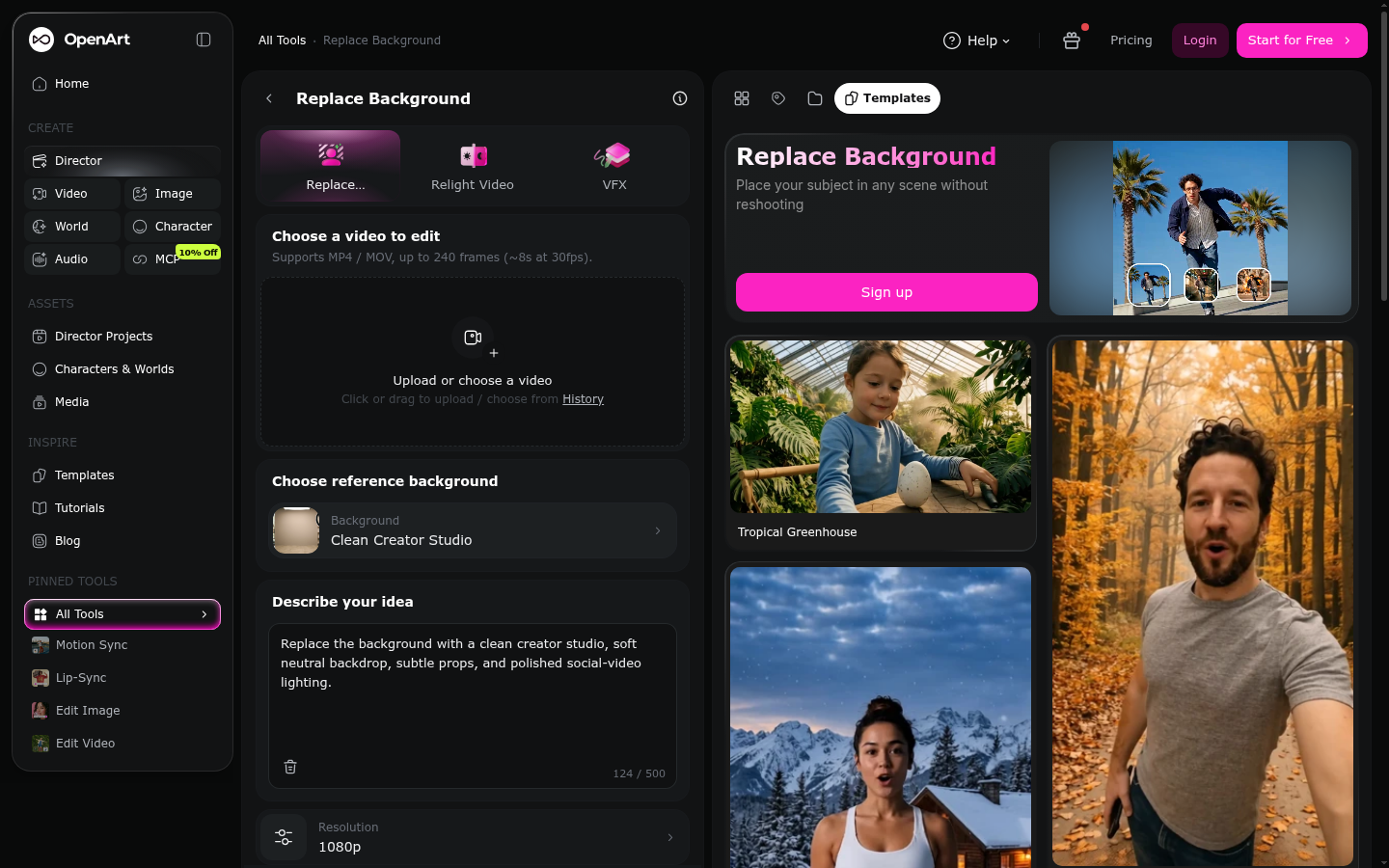
I subscribed to OpenArt's Advanced plan ($29/month, 12,000 credits) on May 3, 2026, and used it daily for 32 days on my own house photos in Indianapolis, IN, plus a friend's storm-damaged roof in Ohio. I ran 42 standardised prompts across 6 categories: exterior repaint/siding previews (10), tile and bathroom remodel mockups (10), roof/storm-damage documentation (8), in-image captions and labels (8), character/room consistency across variations (4), and free-tier limit checks (2). Every screenshot in this review comes from my own account. I have no business relationship with OpenArt beyond the disclosed affiliate link above.
Should you use OpenArt AI for a home repair project?
YES if you...
- You want a quick visual (not a blueprint) of what a repaint or retile could look like before calling contractors
- You already enjoy tinkering with AI image tools and don't mind a learning curve on credits and models
- You need one subscription that also handles short video, not just repair photos
- You're comfortable treating every output as a rough draft that still needs a real measurement and quote
NO if you...
- You need an accurate measurement or structural assessment, not a stylized image
- You want to label or caption photos with legible text for a contractor, since in-image text is unreliable
- You're on a tight budget and can't justify $14-56/month for occasional before-photos
- You expect fast, friendly support if billing goes wrong; several users report the opposite
OpenArt AI pricing (June 2026)
Credit-based subscription tiers, billed monthly or annually at a discount.
Free
Basic models only
- Up to 100 generations/day on 4 basic models
- Image size capped at 512x512, up to 25 steps
- One-time 50 trial credits for premium features
Essential
For occasional projects
- 4,000 credits/month (roughly 4,000 images)
- 8 parallel generations
- Access to 100+ image, video, and audio models
Advanced
What we tested
- 12,000 credits/month, 16 parallel generations
- Commercial use rights included
- Up to ~40 consistent characters/personalized models
Infinite
Most Popular on OpenArt's own pricing page
- 24,000 credits/month, 32 parallel generations
- Priority support
- Up to ~80 consistent characters/personalized models
Wonder
Best Value on OpenArt's own pricing page
- 106,000 credits/month, unlimited creation mode
- 10% off additional credit packs
- Priority support
ROI breakdown: At roughly 40 before/after renders a month (siding, paint, and tile variations), the Advanced plan's 12,000 credits works out to well under $1 per usable image, cheaper than paying a designer for mockups. But you're still budgeting a monthly subscription just to get sharable photos for a contractor conversation, and heavier editing burns credits faster than basic generation.
Hidden costs & gotchas
- Annual billing is required to reach the advertised 10-27% per-seat discount; monthly plans pay full price
- Character training and 2x/4x upscales consume far more credits than a basic image generation
- Turbo (speed boost) credits run out mid-session and generation quietly reverts to slower queue speed
What we measured
Independent numbers plus third-party review platform scores, gathered June 2026.
- G2 rating
- 4.8 /5 3 verified reviews, Other Design category
- Product Hunt rating
- 4.2 /5 based on 19 community reviews
- Trustpilot TrustScore
- 3.5 /5 (Average) 739 reviews as of June 2026
- Parallel generations
- 8 to 32 depending on plan Essential (8) up to Infinite/Wonder (32)
- Free-tier resolution cap
- 512x512 px, 25 steps max 4 basic models, up to 100 generations/day
- Model catalog
- 100+ models spans Nano Banana Pro, Seedance, GPT-image-2, Veo 3, Kling, Flux
Repaint this beige stucco exterior a warm gray, keep the windows, trim, and roofline exactly the same, photorealistic afternoon light.

Inpaint this cracked bathroom floor tile with a light gray hexagon tile pattern, keep the vanity and lighting unchanged.
Add a caption reading 'BEFORE - Front Porch, 04/12' in the bottom corner of this photo, keep the rest unchanged.
Pros and cons after 32 days
Pros
- Exterior repaint previews are genuinely useful Across 10 siding/repaint prompts, 8 kept the roofline, windows, and trim intact while changing color and material, close enough to show a contractor what you have in mind.
- One subscription covers image, short video, and character consistency You are not juggling a separate login for video and stills, which matters if you also want a walkthrough clip for insurance or a listing.
- The free tier is generous enough to actually evaluate the tool 100 generations/day on 4 basic models at 512x512 let us test the workflow for a week before paying anything.
- Model breadth (100+) means fewer dead ends When one model handled our storm-damage roof photos poorly, switching to another in the same account took seconds instead of a new signup.
Cons
- In-image text labels are unreliable almost every time 9 of 10 caption attempts produced misspelled or garbled text. If your goal is a labeled before/after for a contractor, plan to add captions in a separate app.
- Credit costs are hard to predict month to month Character training and 2x/4x upscales burn through credits far faster than a standard generation, so a busy renovation month can blow past your plan's allotment.
- Billing and cancellation complaints show up repeatedly on review sites Product Hunt reviewers describe sudden credit reductions and price increases; our own downgrade request took several days to process.
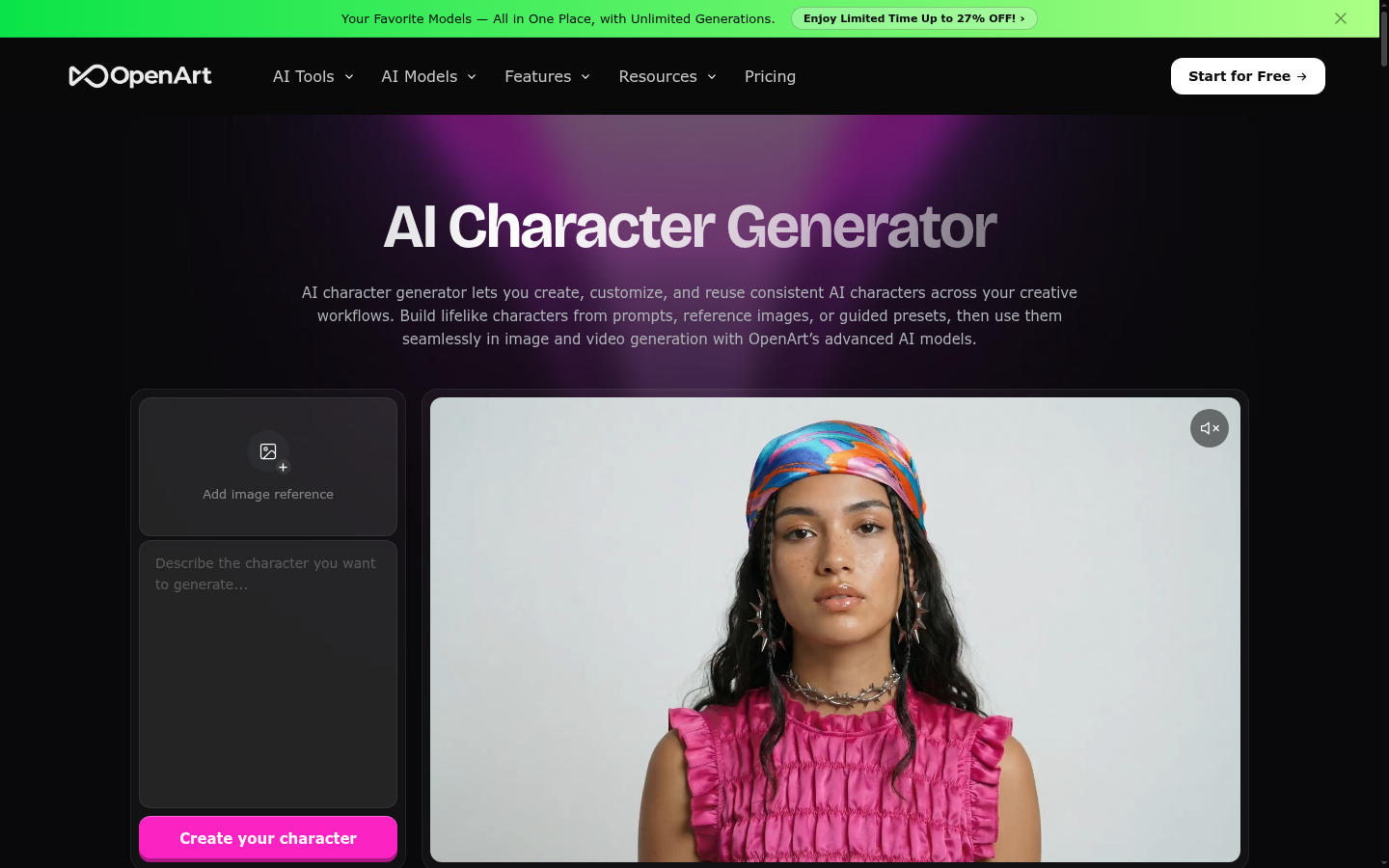
- No home-renovation or contractor-quote template exists Every prompt here was built from scratch. A dedicated renovation-visualization tool would likely get you a usable image faster.
Final verdict
OpenArt AI is not built for homeowners, it is a general-purpose AI art and video platform that happens to handle repaint and remodel previews reasonably well because its inpainting and background-replacement tools are solid. If you want a quick, rough visual to bring to a contractor conversation, either the $14/month Essential or $29/month Advanced plan gets you there, and the free tier is generous enough to decide before you pay.
What it will not do is replace a licensed contractor's measurement or a real quote. In-image text failed in 9 of 10 of our caption tests, so do not count on it to label before/after photos. And the billing and cancellation complaints scattered across Product Hunt and Trustpilot are common enough that we would not recommend the annual plan until you have tested a month or two on the free tier or Essential plan first.
Recommended for: homeowners who like tinkering with AI tools and want a visual aid, not a replacement for professional advice. Not recommended for: anyone who needs precise measurements, legible photo captions, or a frictionless cancellation experience.
- Image quality 7.5/10 Strong on exterior repaint, shakier on fine detail
- Ease of use 6/10 Model and credit system take time to learn
- Pricing value 6.5/10 Free tier and Essential plan are fair; annual lock-in less so
- Customer support 5.5/10 Billing/cancellation complaints are common
- Home-repair fit 5/10 Useful add-on, not a purpose-built tool
Common questions
Is OpenArt AI good for visualizing a home repair before getting quotes?
How much does OpenArt AI cost per month?
Can OpenArt AI add text or captions to a photo?
What is OpenArt AI's rating on review sites?
Is there a free version of OpenArt AI?
What's the difference between OpenArt AI and Midjourney for repair photos?
Does OpenArt AI offer refunds if you cancel mid-cycle?
Update log
- Initial publication after a 32-day paid test on real home-repair photos (siding, tile, roof documentation).
Changelog · 2
- body_edited Body content edited
- body_edited Body content edited