AI Oil Painting: Turn Any Photo Into Framed Wall Art
Summary
AI oil painting tools use neural networks trained on thousands of real oil paintings to transform photos into artwork with visible brushstrokes, canvas texture, and painterly color. The best free tools include OpenArt AI and NightCafe. Midjourney and Adobe Firefly produce higher quality results but require a subscription. Results worth printing start at about $2-10 per image.
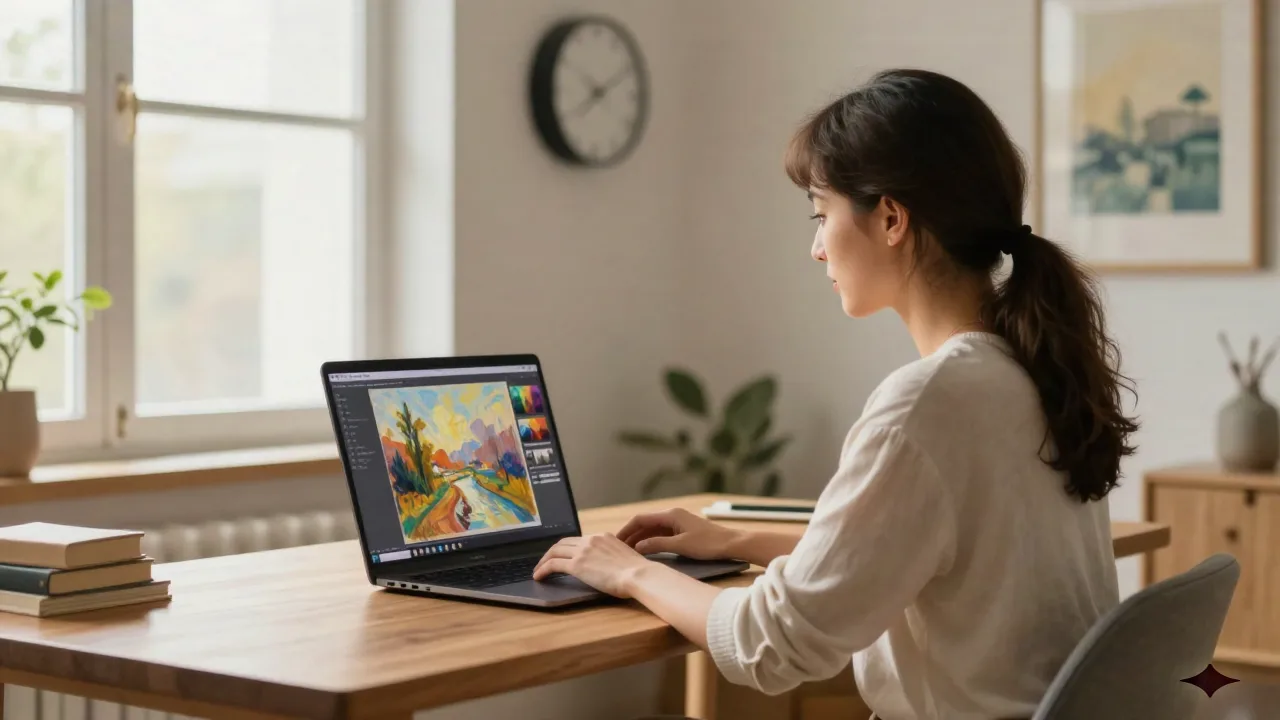
AI oil painting tools let you transform a photo into something that looks like it belongs on a gallery wall, in about two minutes. If you've been wondering whether the results are actually worth it, here's the honest breakdown: some tools produce muddy, filter-like output, while others genuinely replicate the brushstrokes, canvas texture, and layered color depth that make oil paintings distinctive. The difference is worth understanding before you commit to a print.
What an AI Oil Painting Tool Actually Does
This isn't a filter in the Instagram sense. The better tools use neural networks trained on thousands of actual oil paintings, including Rembrandt, Monet, and Sargent, learning brushstroke patterns, color mixing logic, canvas texture, and how light moves across paint. When you upload a photo, the AI reconstructs it using those learned visual rules rather than just blurring edges or boosting warmth.
The result, at its best, includes:
Visible, directional brushstrokes that follow the forms in your image
Optical color mixing with multiple thin layers creating depth, not just flat paint
Canvas texture showing through thin areas
Painterly edges, soft where the painters wanted softness, sharp where they wanted definition
The gap between "looks like a filter" and "looks like it was painted" mostly comes down to the model quality and how much you're willing to spend per image. Skip tools that just add a warm tone and call it a painting.
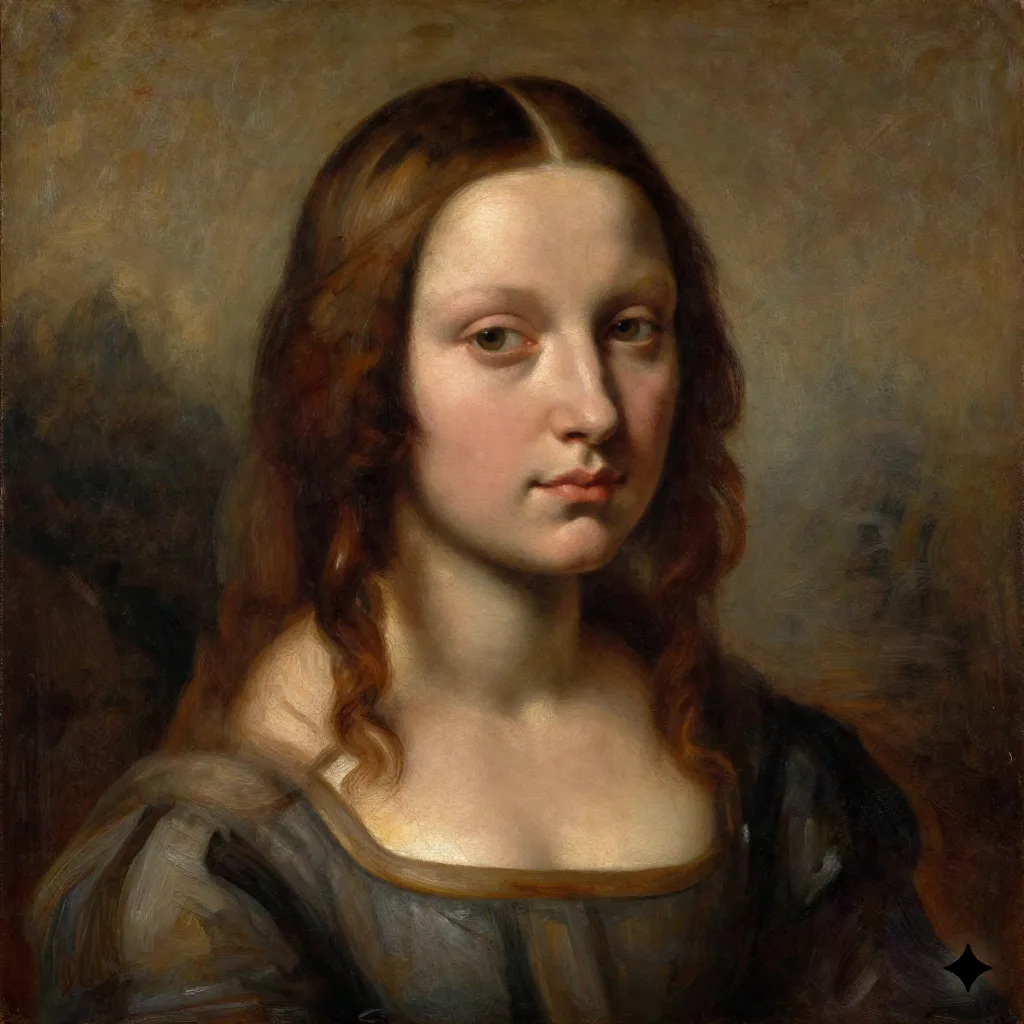
The Best Free AI Oil Painting Tools Right Now
Free options are real, but they come with trade-offs in resolution, watermarks, or daily usage limits. Here's what's actually worth trying at no cost.
OpenArt AI gives you a solid free tier and supports multiple painting styles. You can specify "oil painting," "impasto texture," "Rembrandt lighting," and the model handles it reasonably well. The results at free tier are lower resolution but fine for testing what works before printing. It also lets you run style transfer from a reference image, which is the better path if you want authentic oil texture.
NightCafe Creator offers daily free credits and lets you run neural style transfer, meaning you can upload an actual Monet or Rembrandt as a style reference and apply it to your photo. This produces more authentic oil textures than generic prompts. Quality varies by algorithm; their VQGAN+CLIP model handles impressionist styles particularly well.
DALL-E via Bing Image Creator is free and handles detailed prompts like "oil painting portrait in the style of Rembrandt, warm earth tones, impasto highlights, visible canvas grain." The catch: it generates new images, not transformations of your existing photo. So you describe the scene rather than uploading a family photo to be painted.
Red flag: if a tool produces output that looks like a slightly blurry version of your photo with warm tones added, that's a filter, not an AI painting model. Walk away.
When It's Worth Paying For a Better Tool
The jump in quality from free to paid is real for oil painting specifically, more so than for other AI art styles. Oil painting requires texture, depth, and brushstroke character that the more capable paid models handle significantly better.
Midjourney ($10/month minimum) is the clearest quality leader for artistic output. A prompt like "oil painting portrait, style of John Singer Sargent, confident alla prima brushwork, rich palette, museum quality" produces results that genuinely look painted. The limitation: it generates new images, not transformations of existing photos. Useful for original artwork, not for turning specific family photos into paintings.
Adobe Firefly (included in Creative Cloud, from $22.99/month) integrates with Photoshop. You get a text-to-image base, then refine in Photoshop. For homeowners or designers who want painted versions of specific spaces or products, the workflow is powerful and the commercial licensing is clear.
DeepArt.io is the strongest option specifically for photo transformation. Upload your photo, upload a reference painting or choose from their library, and it applies real neural style transfer. Results have genuine oil texture. Free tier is low resolution; HD processing starts around $2 per image.
The national average for a commissioned oil portrait is $500-$2,000 depending on size and artist. AI gets you in the range of $2-$20 per high-resolution image. That comparison is the whole case for AI oil painting when you just want something worth framing.
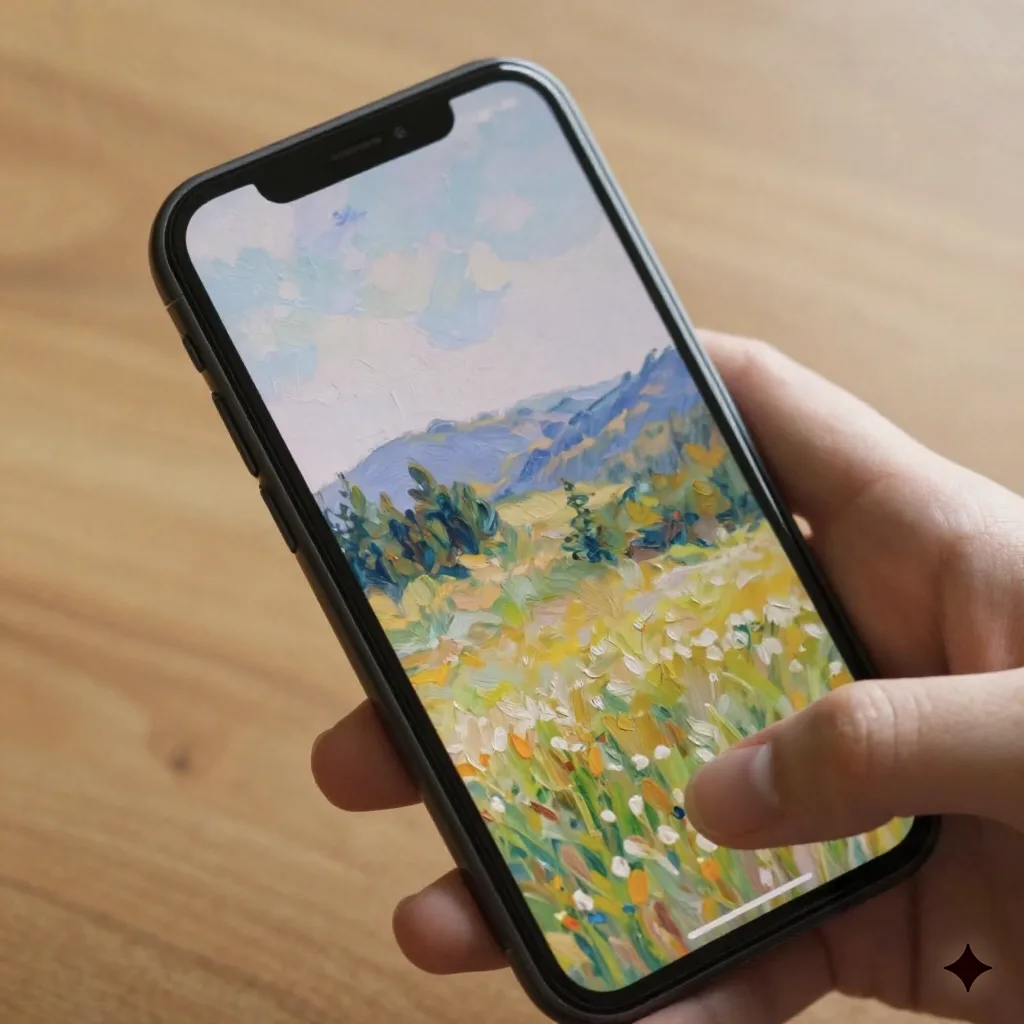
Which Painting Style Fits Which Photo
This is where most people get it wrong. Choosing the wrong style for your subject produces results that feel off even if the technical quality is high.
Portraits: Classical realism or Renaissance styles. Warm earth tones, dramatic lighting, refined brushwork. Rembrandt and Velázquez references work well. Avoid impressionist styles for tight portrait work; the loose brushwork flattens faces and loses likeness.
Outdoor scenes and landscapes: Impressionist styles, particularly Monet and Pissarro, are the natural fit. Visible brushstrokes, vibrant color, atmospheric light. These styles were literally built for this subject matter and the AI handles them well.
Home interiors and still life: Dutch Golden Age references, Vermeer and de Hooch, handle interior light beautifully. Warm shadows, glowing surfaces, careful composition. Worth trying on photos of meaningful rooms in your home.
Expressive or emotional subjects: Post-impressionist styles inspired by Van Gogh or Cézanne amplify feeling. Thick paint, saturated color, visible energy. Best for scenes where the emotional content matters more than photographic accuracy.
For photo selection: dramatic existing light translates better than flat even lighting. Simple compositions outperform cluttered scenes. High resolution source files give you better brushwork detail in the output.
What Nobody Tells You About Printing AI Oil Paintings
Every guide stops at the download. Here's what actually matters if you want the result on a wall rather than just saved to your phone.
Resolution requirements: For a 16x20 print at 150 DPI, the minimum for canvas, you need at least 2400x3000 pixels. Most free tiers don't get there. Before paying for a print, check the pixel dimensions of your output file. This is the step that catches people off guard.
Canvas printing vs. fine art paper: Canvas printing adds physical texture that complements AI brushwork. The substrate texture reads as an extension of the painted surface, which helps sell the illusion. Fine art paper like Hahnemühle produces more accurate color but doesn't add texture. For oil painting aesthetics, canvas is the right call in almost every case.
Print cost ranges: Local print shops typically charge $30-80 for a 16x20 canvas print. Online services including Mpix, Bay Photo, and Printful run $20-50 for the same size. Factor this into your total when deciding how much to spend on image generation.
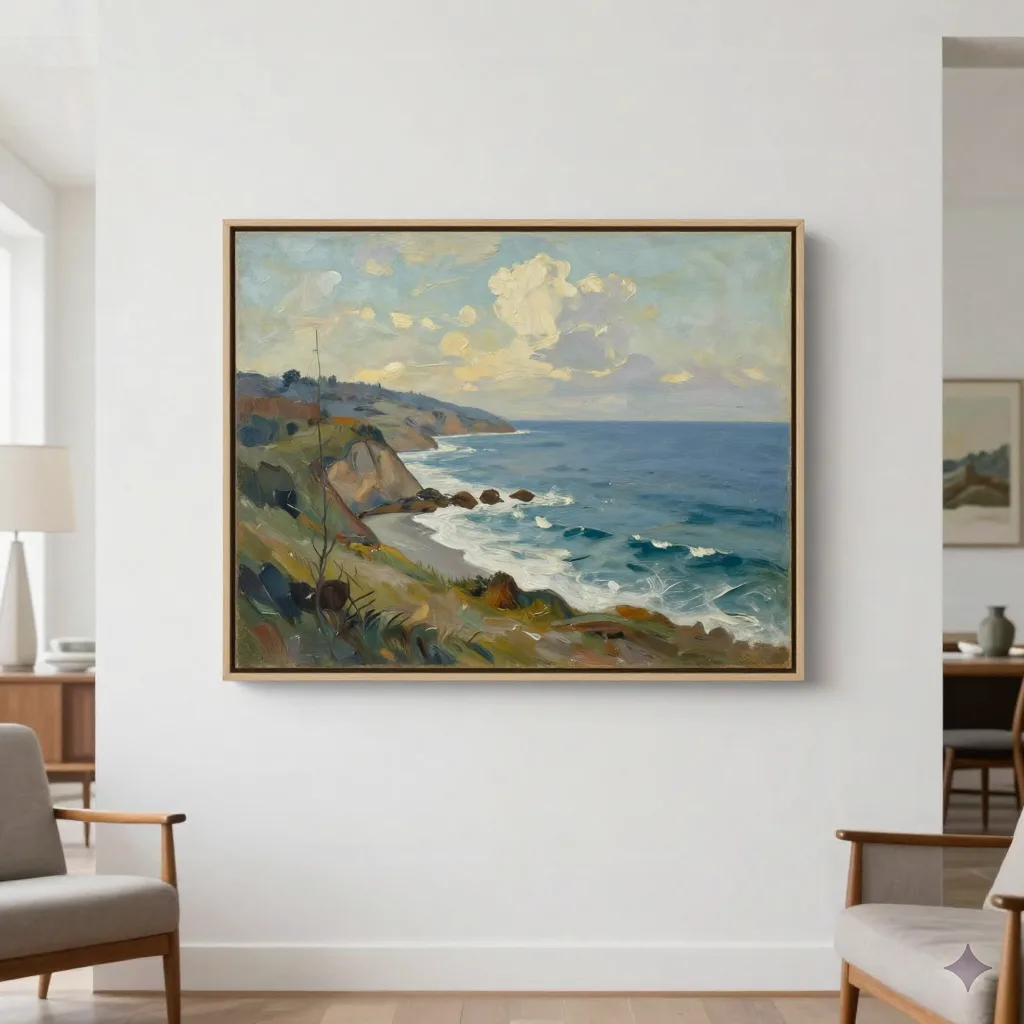
Framing matters more than most people expect: A gold or dark wood frame, simple not ornate, adds significant credibility to AI oil painting prints. The same image in a $15 black float frame looks like a decoration. In a $40 period-appropriate frame it reads as intentional wall art. The frame is where the final 20% of the impression comes from.
Before you sign any print order, verify the pixel dimensions of your file are sufficient for the print size you're ordering. That's the detail most people skip and regret.
The Mistakes That Produce Bad Results
Uploading low-resolution phone photos: The AI can only work with what you give it. A 1200-pixel photo will produce soft, low-detail output regardless of model quality. Use your best source files, ideally from a dedicated camera or a high-end phone camera in full resolution mode.
Choosing the wrong style for the subject: Impressionist brushwork on a tight headshot looks muddy. Match the painting style to what the content actually needs. A landscape in impressionist style and a portrait in classical realist style will both outperform the reverse combination.
Printing immediately from the first generation: Generate 3-4 variations. The first result is rarely the best. Adjust your prompt based on what's working, changing the lighting reference, the painter influence, or the texture intensity, before committing to a print.
Ignoring the canvas texture setting: Many tools let you dial in canvas grain separately from brushwork. A medium canvas grain layered over impasto brushwork produces the most convincing physical paint illusion. It's usually a separate slider worth experimenting with.
Expecting photo-accurate likeness from generative prompts: AI oil painting tools that work from text prompts, Midjourney and DALL-E, don't preserve specific facial features. If you want a specific person's face in a painted portrait, use photo transformation tools like DeepArt.io or Fotor, not generative models.
What's Actually Worth Doing With AI Oil Paintings
Some use cases make clear financial and practical sense. Others are better left to commissioned artists or passed on entirely.
Home wall art: Custom art for a specific wall in a specific room. A professionally printed and framed 20x24 AI oil painting of your backyard landscape costs $60-120 total, covering image generation, canvas print, and a decent frame. Compare that to $800-2,000 for a commissioned painting of the same subject from a professional artist.
Portrait gifts: Birthdays, anniversaries, parent gifts. The recipient sees a photo they recognize rendered in the visual language of old-master portraiture. The emotional impact is real even when everyone knows it's AI-assisted. Most recipients are genuinely impressed.
Pet portraits: One of the highest-satisfaction use cases for this technology. Pet portraits from commissioned artists run $150-500; AI transformation plus a canvas print runs $15-60. The quality gap is real but so is the price gap.
Memorial art: Painted portraits from older photos of people who have passed. The artistic transformation adds visual warmth and permanence to photos that might otherwise just sit on a phone. Worth considering for any photo where the original has sentimental value beyond its image quality.
Skip this one: trying to pass AI oil paintings off as hand-painted originals in a commercial or gallery context. The market increasingly has tools to identify AI-generated work, and the reputational risk isn't worth it.
What You Should Realistically Expect From AI Oil Painting in 2026
The technology has crossed a genuine threshold. Results are impressive when you use the right tool for the right job, start with good source material, and actually spend time on the print and framing. Free tools are worth testing before committing to a paid subscription.
Midjourney produces the best original oil painting-style artwork from prompts. DeepArt.io produces the best transformation of existing photos. The real cost isn't the AI subscription. It's getting the print right.
Prices vary by tool, resolution, and print provider. Use these ranges as a starting point when planning your project, not a binding estimate.